42
Wireless Advanced
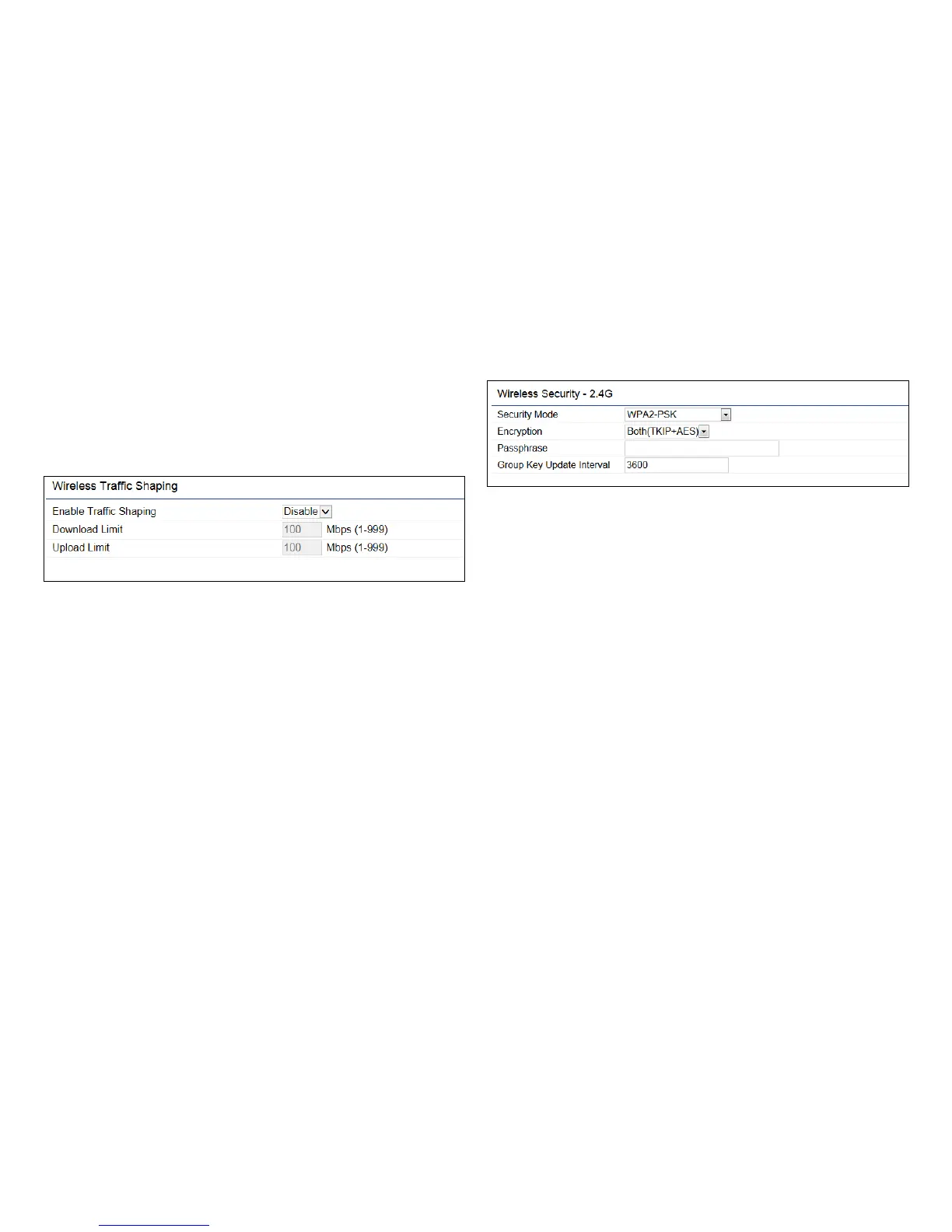
Wireless Trafc Shaping
Trafc shaping regulates the ow of packets leaving an
interface to deliver improved Quality of Service.
Enable Trafc Shaping: Check this option to enable
WirelessTrafcShaping.
Download Limit: Speciesthewirelesstransmissionspeed
used for downloading.
Upload Limit: Species the wireless transmission speed
used for uploading.
Save: Click Savetoconrmthechanges.
WPA-PSK (WPA Pre-Shared Key) Encryption:
Encryption: Select the WPA encryption type you would
like. Please ensure that your wireless clients use the same
settings.
Passphrase: Wireless clients must use the same Key to
associate the device. If using ASCII format, the Key must
be from 8 to 63 characters in length. If using HEX format,
the Key must be 64 HEX characters in length.
Group Key Update Interval: Species how often, in
seconds, the Group Key changes.



 To Next Page