26
WDS Bridge Mode
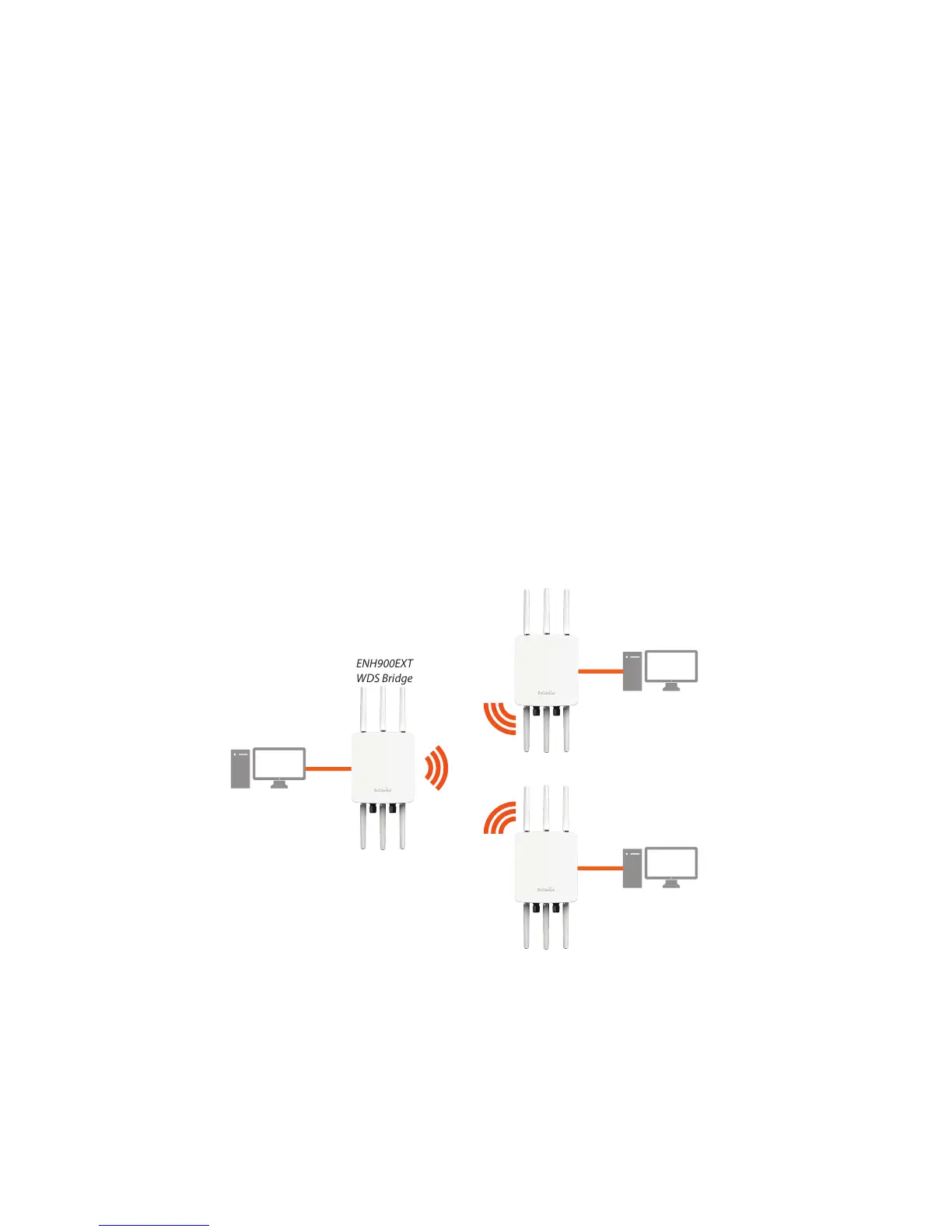
In WDS Bridge Mode, the ENH900EXT can wirelessly connect different LANs by conguring the MAC address and
security settings of each ENH900EXT device. Use this mode when two wired LANs located a small distance apart want
to communicate with each other. The best solution is to use the ENH900EXT to wirelessly connect two wired LANs, as
shown in the following diagram.
WDS Bridge Mode can establish up to four WDS links, creating a star-like network.
Note: WDS Bridge Mode does not act as an Access Point. Access Points linked by WDS are using the same frequency
channel. More Access Points connected togethermaylower throughput. This conguration can be susceptible to
generate endless network loops in your network, so it is recommended to enable the Spanning Tree function to
prevent this from happening.



 To Next Page