64
Backup/Restore
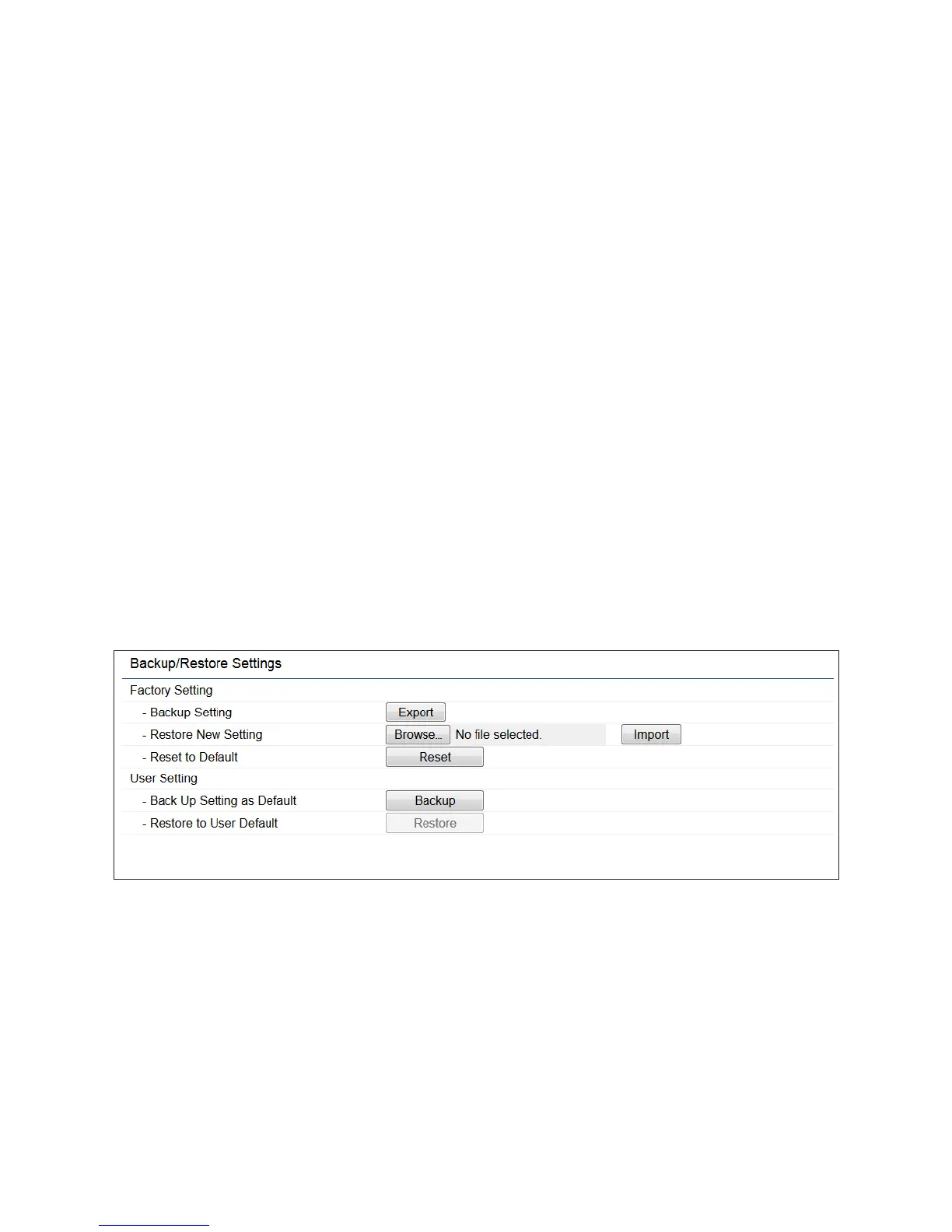
This page allows you to save the current device
configurations. When you save your configurations,
you also can reload the saved configurations into the
device through the Restore Saved Settings from a file
section. If extreme problems occur, or if you have set
the ENH900EXT incorrectly, you can use the Reset
button in the Revert to Factory Default Settings section
to restore all the configurations of the ENH900EXT to
the original default settings.
Backup Setting: Click Export to save the current
configured settings.
Restore New Setting: To restore settings that have
been previously backed up, click Browse, select the
file, and click Restore.
Restore to Default: Click Reset button to restore the
ENH900EXT to its factory default settings.



 To Next Page