46
Wireless Advanced
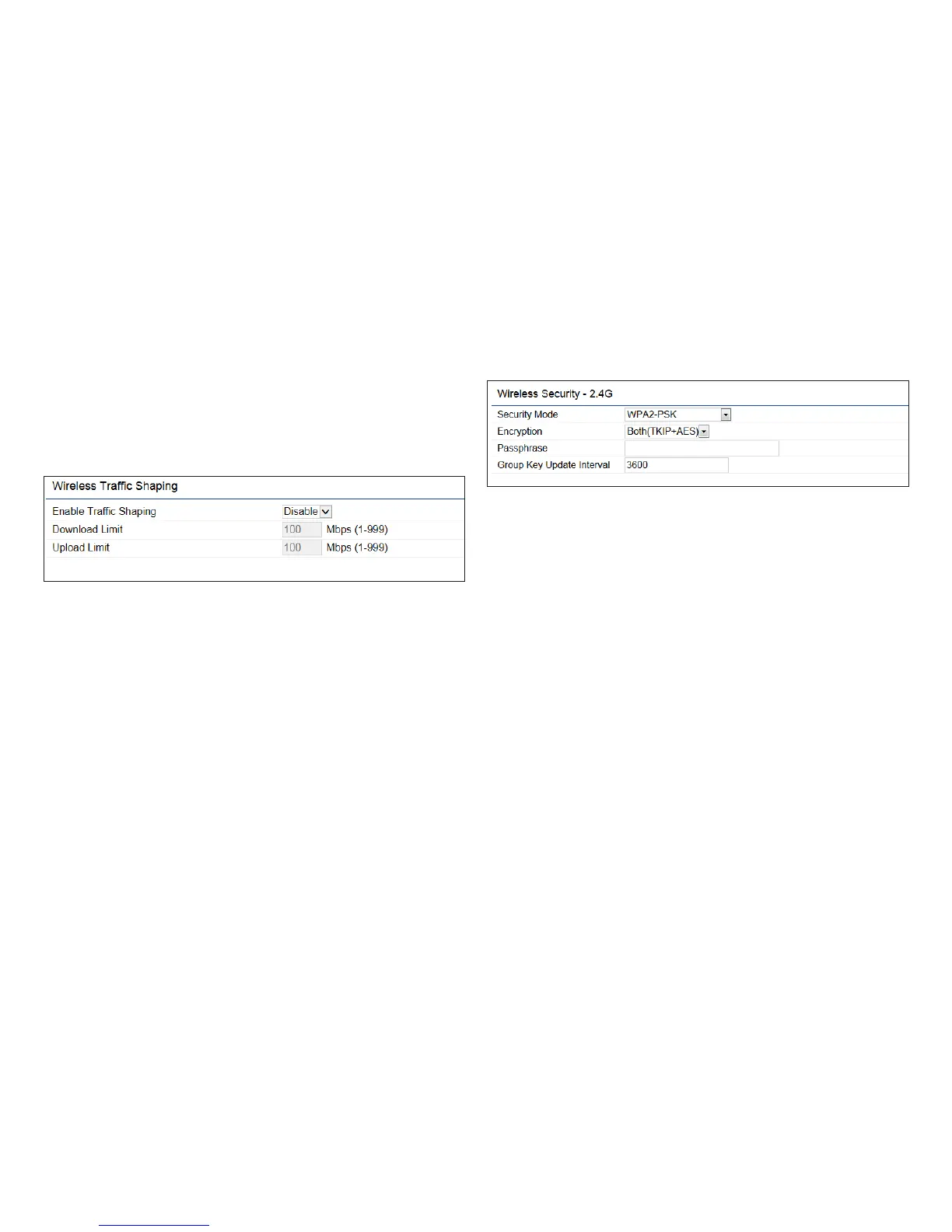
Wireless Trafc Shaping
Trafc shaping regulates the owof packets leaving an
interface to deliver improved Quality of Service.
Enable Trafc Shaping: Check this option to enable
WirelessTrafcShaping.
Download Limit: Speciesthewirelesstransmissionspeed
used for downloading.
Upload Limit: Species the wireless transmission speed
used for uploading.
Save: Click Savetoconrmthechanges.
WPA-PSK (WPA Pre-Shared Key) Encryption:
Encryption: Select the WPA encryption type you would
like. Please ensure that your wireless clients use the same
settings.
Passphrase: Wireless clients must use the same Key to
associate the device. If using ASCII format, the Key must
befrom8to63charactersinlength.IfusingHEXformat,
the Key must be 64 HEX characters in length.
Group Key Update Interval: Species how often, in
seconds, the Group Key changes.



 To Next Page