53
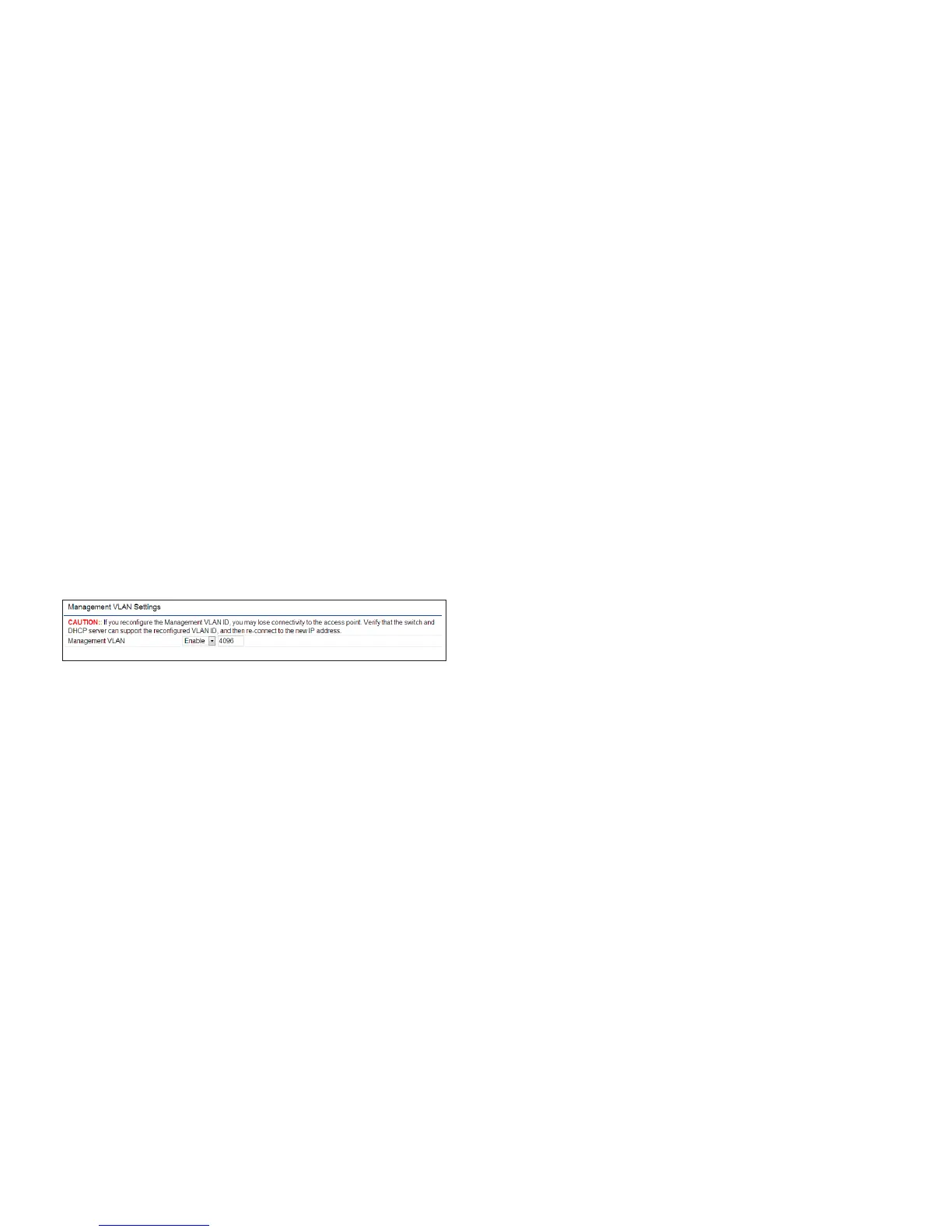
Management VLAN Settings
This page allows you to assign a VLAN tag to packets sent
over the network. A VLAN is a group of computers on a
networkwhosesoftwarehasbeenconguredsothatthey
behave as if they were on a separate Local Area Network
(LAN). Computers on VLAN do not have to be physically
located next to one another on the LAN.
Note: Only applicable in Access Point and WDS AP
modes.
Management VLAN: If your network includes VLANs, you
can enable Management VLAN ID for packets passing
through the Access Point with a tag.
Save: Click SavetoconrmthechangesorCancel to cancel
and return to previous settings.
Note: IfyoureconguretheManagementVLANID,you
may lose your connection to the ENH900EXT. Verify
thattheDHCPserversupportsthereconguredVLAN
ID and then reconnect to the ENH900EXT using the
new IP address.



 To Next Page