40
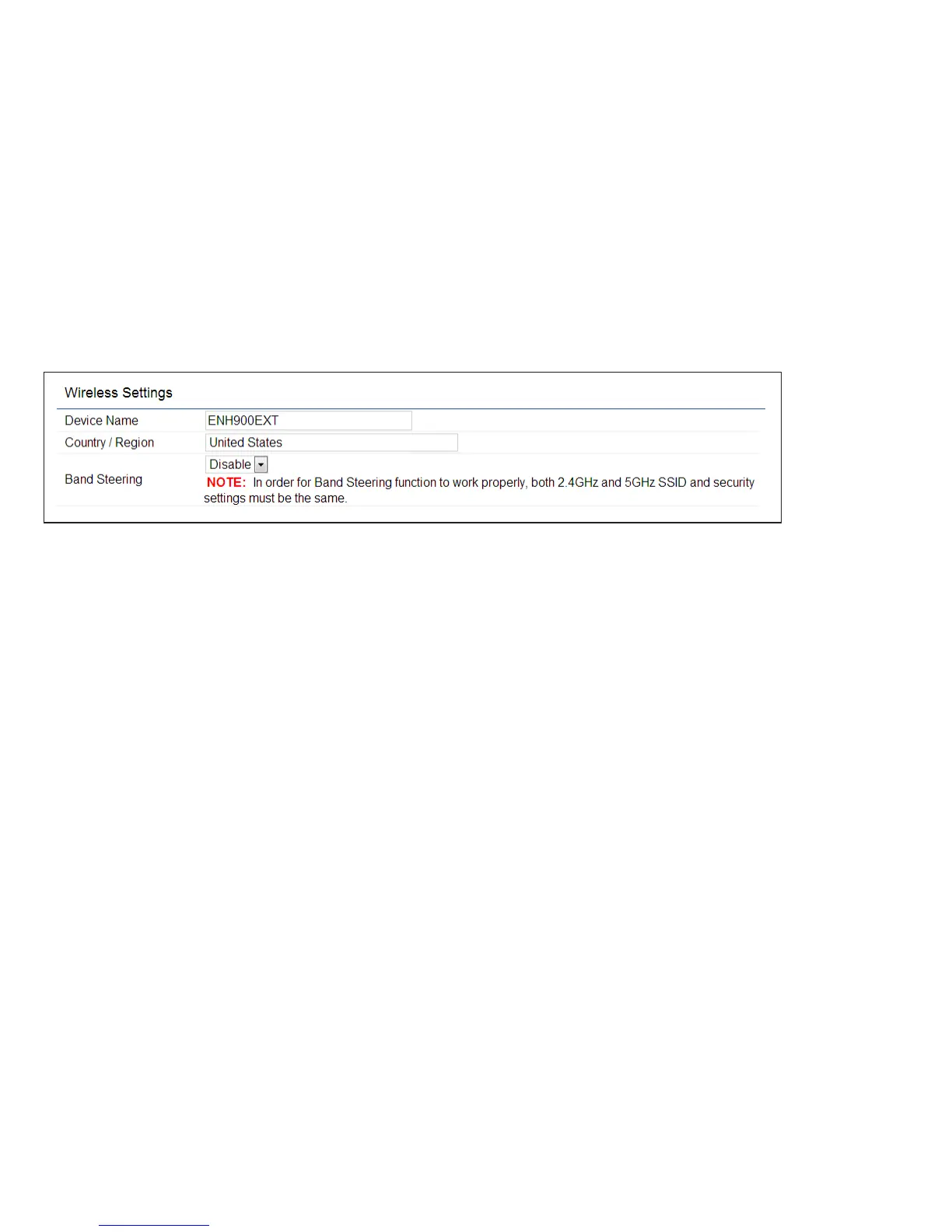
Wireless Settings
Device Name: Enter a name for the device. The name you
type appears in SNMP management. This name is not the
SSID and is not broadcast to other devices.
Band Steering: Enable Band Steering to send 802.11n
clientstothe5GHzband,where802.11b/gclientscannot
go,andleave802.11b/gclientsin2.4GHztooperateat
their slower rates. Band Steering works within the Access
Point by directing 5 GHz-capable clients to that band.
Save: Click Savetoconrmthechanges.
Wireless



 To Next Page