58
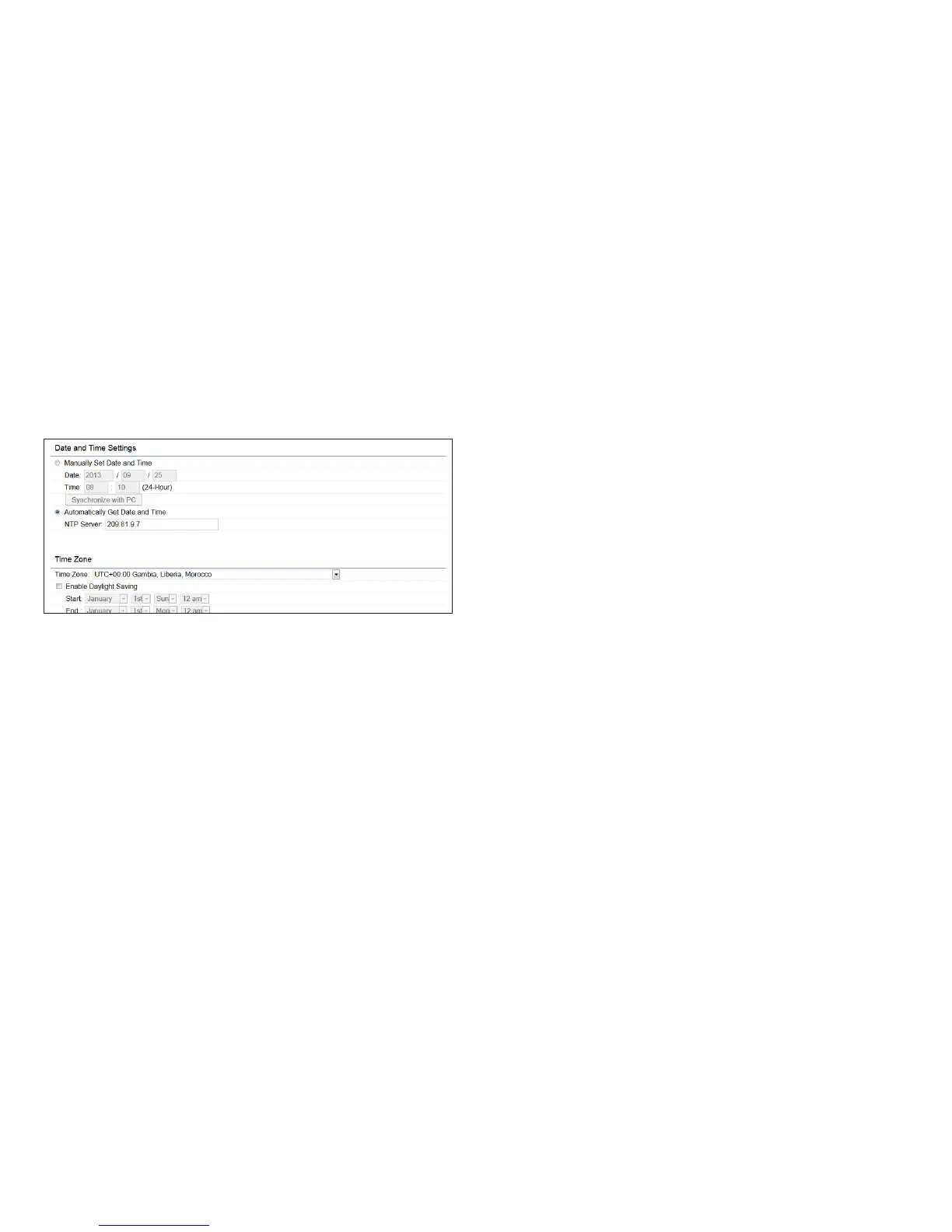
Time Setting
This page allows you to set the internal clock of the
ENH900EXT.
Manually Set Date and Time: Manually specify the
date and time.
Automatically Get Date and Time: Select
Automatically Get Date and Time and check whether
you wish to enter the IP address of an NTP server or
use the default NTP server to have the internal clock
set automatically.
Enable Daylight Saving: Check whether daylight
savings applies to your area.
Start: Select the day, month, and time when daylight
savings time starts.
End: Select the day, month, and time when daylight sav-
ings times ends.
Time Zone



 To Next Page