OPERATION
Blanket Warmer ▪ Operat or’s Manu a l ▪ MN -4 6 42 7 ▪ Rev 1 ▪ 6/19
27
Continued from previous page
Setting the start
timer
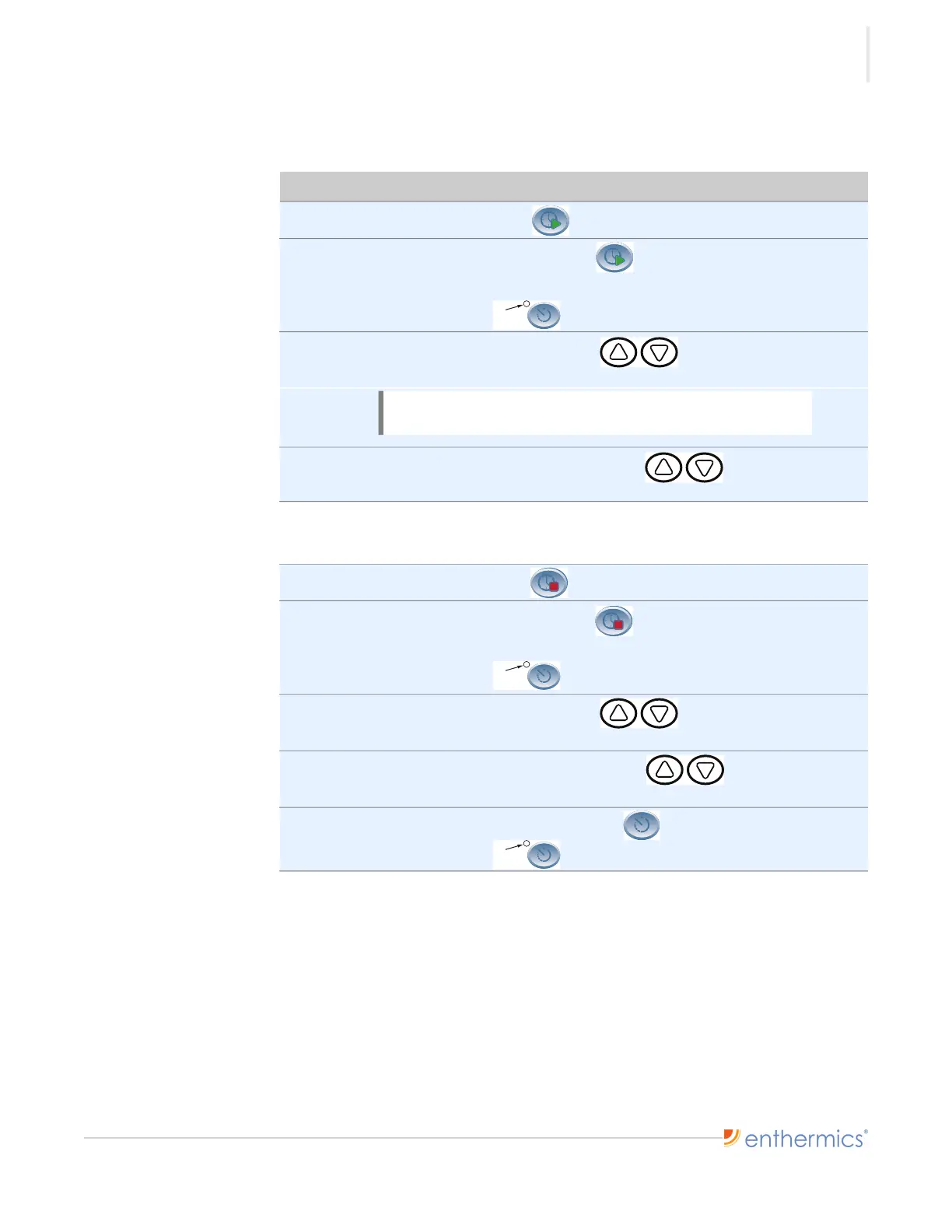
To use the timer function, do the following.
Step Action
1. Press the Start Time button to view the start time for the day.
2. Press and hold the Start Time button to set the current day’s start time
as the same time for each day of the week.
The ON/OFF indicator flashes.
3. Press the up and down arrow buttons to change the start time
minutes.
4. Press and hold the up or down arrow button to change the start
time hour.
The start timer has now been set.
Setting the stop
timer
5. Press the Stop Time button to view the stop time for the day.
6. Press and hold the Stop Time button to set the current day’s stop time
as the same time for each day of the week.
The ON/OFF indicator flashes.
7. Press the up and down arrow buttons to change the stop time
minutes.
8. Press and hold the up or down arrow button to change the stop
time hour.
9. Press and hold the Timer ON/OFF button to enable the timer.
The ON/OFF indicator illuminates.
Result The timer has now been set.
Continued on next page
NOTE: The screen displays the time of day in a 24-hour
format (hh:mm).
ON/OFF
Indicator
ON/OFF
Indicator
ON/OFF
Indicator






 To Next Page