EasyManua.ls Logo

Enthermics DC250 - User Manual

Enthermics DC250
44 pages
Print Icon
To Next Page IconTo Next Page
Loading...
Enthermics Medical Systems
An ISO 13485:2003 certified company
PO Box 443, Menomonee Falls WI 53052-0443
W164 N9221 Water St, Menomonee Falls WI 53051
Tel 262-251-8356
|
800-TO-B-WARM
generalinfo@enthermics.com
www.enthermics.com
Printed in the U.S.A. Specifications are Subject to Change Without Notice
Made in the U.S.A.
Operation and Care Manual
MN-37072 • Rev 2 • 05/16
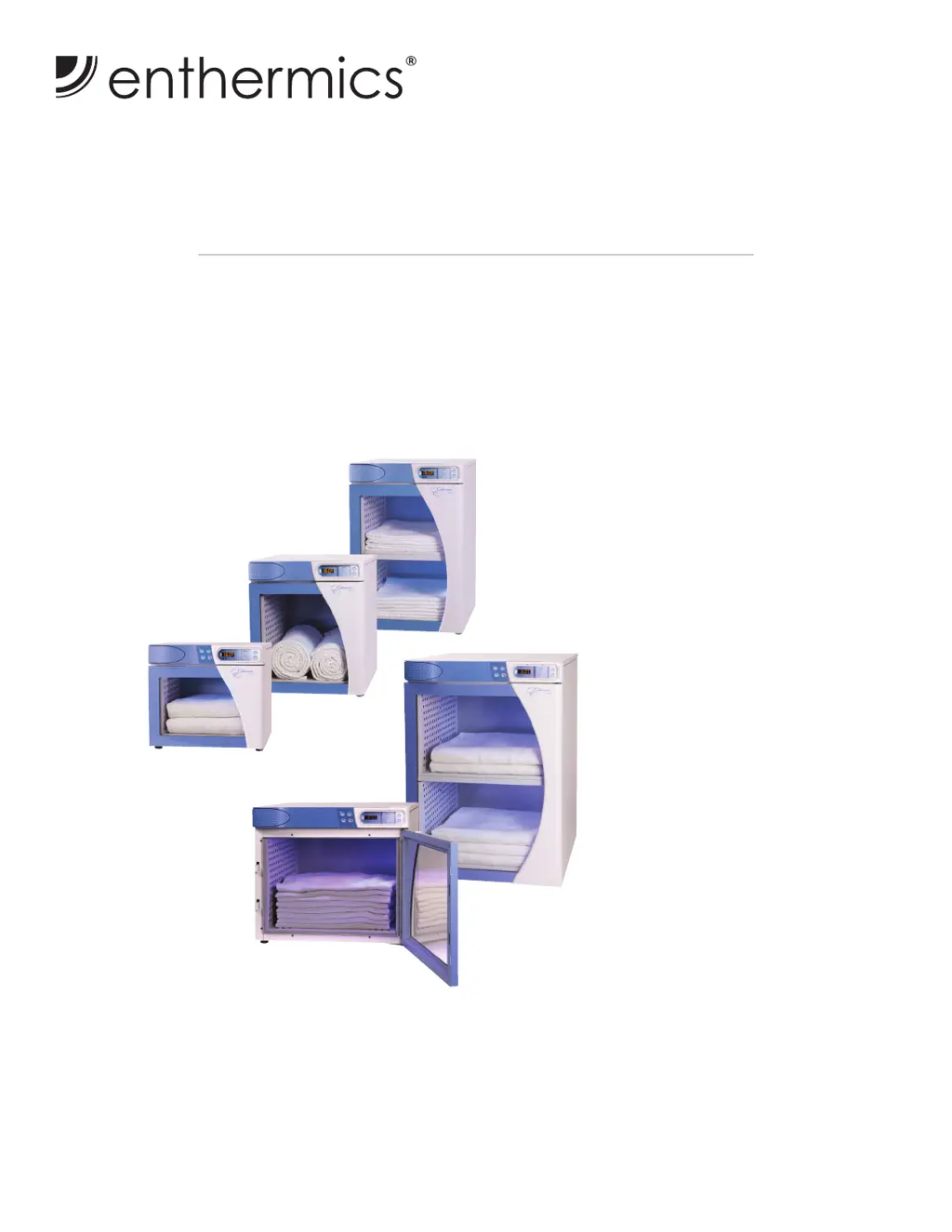
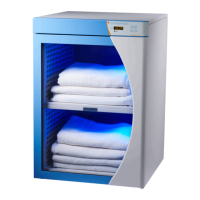
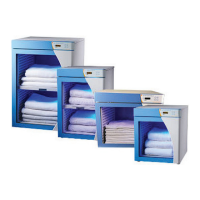
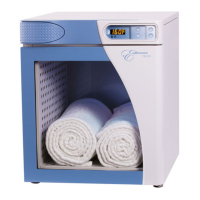
Designer Series Blanket Warmer
DC350
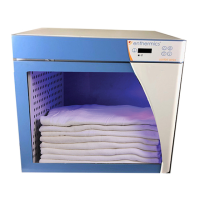
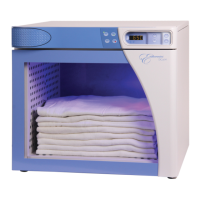
DC250
DC150
(shown with optional timer)
DC400
(shown with optional timer)
DC750
(shown with optional timer)
DC150
DC250
DC350
DC400
DC750

Other manuals for Enthermics DC250

Questions and Answers

  • K
    Kara LeAug 20, 2025
    What to do if the Enthermics Food Warmer heater pad has an over-temp error?
    • B
      Belinda BennettAug 20, 2025
      If your Enthermics Food Warmer displays a heater pad over-temp error, acknowledge the error by pressing the on/off button. Then, allow the appliance to cool down. If the error persists, contact service.
  • C
    Cassandra CookAug 22, 2025
    What to do if my Enthermics Food Warmer heating pad has not reached the set-point temperature?
    • J
      Jason FordAug 22, 2025
      If the heating pad in your Enthermics Food Warmer hasn't reached the set-point temperature, first acknowledge the error by pressing the on/off button. Then, turn the appliance off, unplug it from AC power, and use an Ohm meter to measure resistance between the L:(Line) & N:(Neutral) leads of a cold heater pad. If the error persists, contact service.
  • S
    Sherry HernandezAug 25, 2025
    What does it mean if my Enthermics DC250 displays 'Sensor is shorted' and how do I fix it?
    • A
      Ashley VillarrealAug 25, 2025
      If your Enthermics Food Warmer displays a 'Sensor is shorted' error, acknowledge it by pressing the on/off button and detach the sensor from the appliance. Use an Ohm meter to measure the resistance of the sensor at 25°C (77°F). If the reading is 10 KOhm ±1.5 KOhm, replace the display. If the reading is ±2 KOhm, replace the sensor. Check the wires for integrity and ensure proper and secure connections at the control and terminal block, re-securing any faulty connections if necessary. If the error persists, contact service.
  • S
    Samantha WilliamsAug 26, 2025
    What does it mean if my Enthermics DC250 displays 'Sensor is open' and how do I fix it?
    • M
      Michelle CochranAug 27, 2025
      If your Enthermics Food Warmer displays a 'Sensor is open' error, acknowledge it by pressing the on/off button and detach the sensor from the appliance. Use an Ohm meter to measure the resistance of the sensor at 25°C (77°F). If the reading is 10 KOhm ±1.5 KOhm, replace the display. If the reading is ±2 KOhm, replace the sensor. Check the wires for integrity and ensure proper and secure connections at the control and terminal block, re-securing any faulty connections if necessary. If the error persists, contact service.
  • D
    Denise StephensonAug 27, 2025
    What should I do if the temperature of the cavity sensors 1 and 2 differ by more than 1.7ºC (3ºF) in my Enthermics DC250 Food Warmer?
    • C
      Christina MaciasAug 27, 2025
      If the temperature of the cavity sensors 1 and 2 in your Enthermics Food Warmer differ by more than 1.7ºC (3ºF), remove the product and allow the appliance to cool down. Verify that the product sensor is clean and operating correctly. Press the power button to clear the error code. If the error persists, contact service to replace the sensor switch assembly.
  • T
    Tracey RiceAug 29, 2025
    What to do if the sensor reading is above the maximum allowable temperature set-point and over temp value in my Enthermics Food Warmer?
    • T
      Thomas HoganAug 30, 2025
      If the sensor reading on your Enthermics Food Warmer is above the maximum allowable temperature set-point and over temp value, contact service.
  • J
    Jessica DuncanAug 31, 2025
    Why does my Enthermics Food Warmer display the message 'Analog to Digital Convertor Error' and how can I resolve it?
    • A
      armstrongjohnAug 31, 2025
      If your Enthermics Food Warmer displays an 'Analog to Digital Convertor Error', remove the inventory, discard if necessary, and allow the appliance to cool down. If the error persists after cool down and reset, contact service to replace the control assembly.
  • B
    Bryan KellySep 2, 2025
    What should I do if my Enthermics DC250 displays 'More heater pads detected than set for'?
    • O
      oevansSep 2, 2025
      If your Enthermics Food Warmer displays 'More heater pads detected than set for', hold the On/Off button for 12 seconds until the display shows "PAd#” (# = number of pads selected [3-7]). Then, press the up or down arrow to adjust to the correct number of pads.
  • K
    Katie CopelandSep 4, 2025
    What should I do if my Enthermics DC250's real time clock rechargeable battery backup has discharged?
    • M
      Melissa EdwardsSep 4, 2025
      If the real time clock rechargeable battery backup in your Enthermics Food Warmer has discharged, plug the appliance into an outlet for 30 minutes. Also, see the Timer Control Feature section in the blanket manual to reset the clock.
  • S
    Shane StanleySep 6, 2025
    What to do if the sensor reading is above the temperature set-point on my Enthermics Food Warmer?
    • J
      james85Sep 6, 2025
      If the sensor reading is above the temperature set-point on your Enthermics Food Warmer, contact service.

Summary

Safety Procedures

Hazard Signal Words and Symbols

Explanation of danger, warning, caution, and notice symbols used in the manual.

Intended Use and Operational Warnings

Specifies the appliance's intended use, operating environment, and general safety warnings.

Electrical Information

Electrical Safety and Power Requirements

Highlights electrical safety warnings and lists power requirements for each model.

Operation Instructions

Electronic Control Panel Features

Overview of the electronic control panel and its features.

Blanket Chamber Operation Procedures

Step-by-step guide for loading blankets and operating the chamber.

Cleaning and Maintenance

Preventative Maintenance Checklist

Daily, weekly, monthly, and six-month checklists for maintenance.

Troubleshooting

Troubleshooting Guide

Lists error codes, their causes, and recommended actions for troubleshooting.

Wiring Diagrams

DC;EC Wiring Diagram

Schematic showing the electrical connections and layout of the appliance.

Enthermics DC250 Specifications

General IconGeneral
BrandEnthermics
ModelDC250
CategoryFood Warmer
LanguageEnglish

Related product manuals