EasyManua.ls Logo

Enthermics DC250 - User Manual

Enthermics DC250
44 pages
Print Icon
To Next Page IconTo Next Page
Loading...
Enthermics Medical Systems
An ISO 13485:2003 certified company
PO Box 443, Menomonee Falls WI 53052-0443
W164 N9221 Water St, Menomonee Falls WI 53051
Tel 262-251-8356
|
800-TO-B-WARM
generalinfo@enthermics.com
www.enthermics.com
Printed in the U.S.A. Specifications are Subject to Change Without Notice
Made in the U.S.A.
Operation and Care Manual
MN-37072 • Rev 2 • 05/16
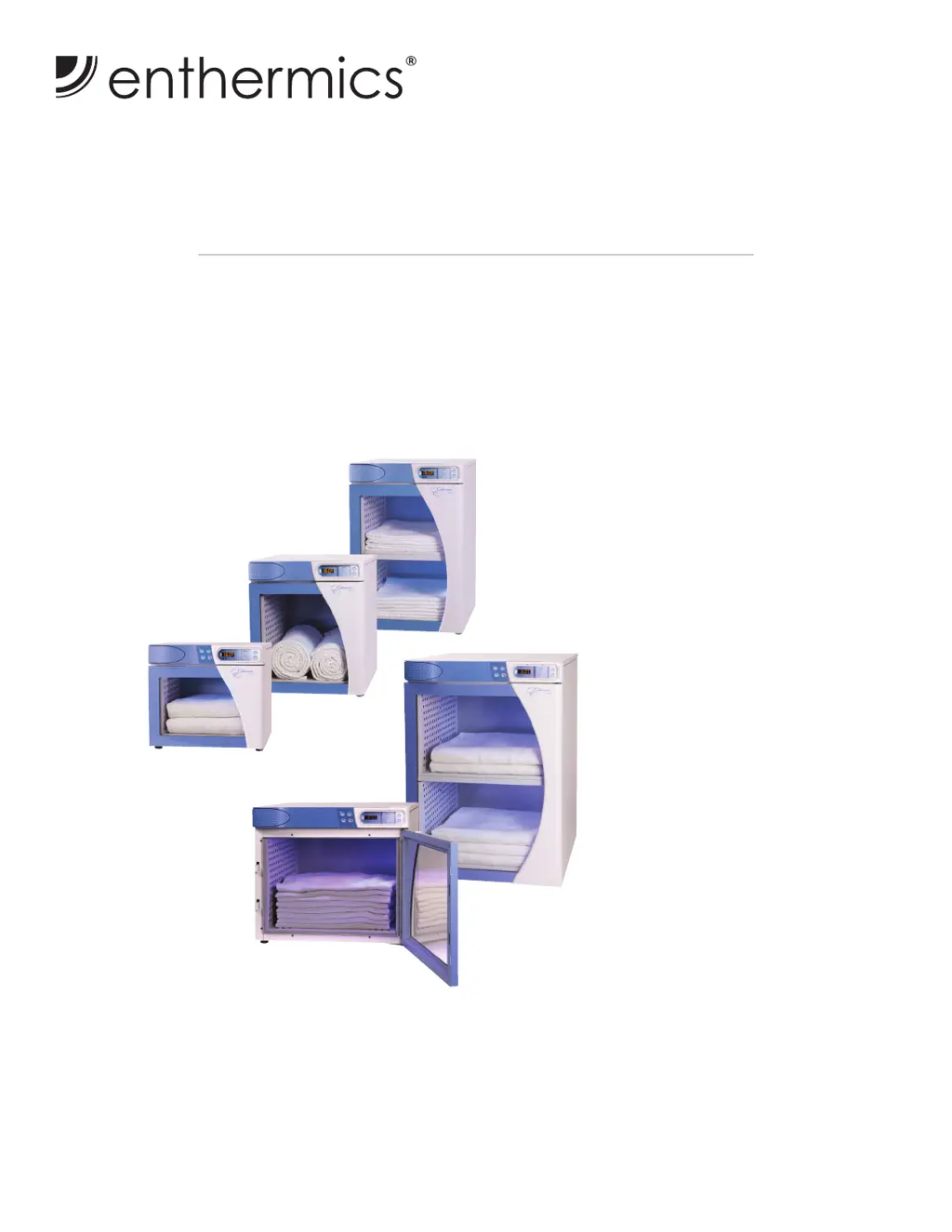
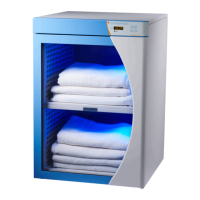
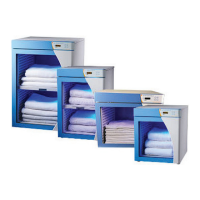
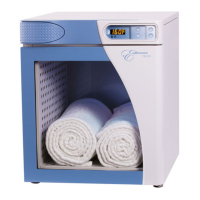
Designer Series Blanket Warmer
DC350
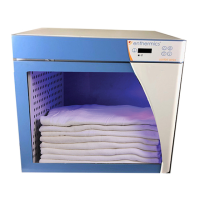
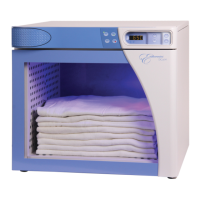
DC250
DC150
(shown with optional timer)
DC400
(shown with optional timer)
DC750
(shown with optional timer)
DC150
DC250
DC350
DC400
DC750

Other manuals for Enthermics DC250

Questions and Answers

  • K
    kochstephenSep 8, 2025
    What does it mean if my Enthermics DC250 Food Warmer displays 'Stored offsets corrupted' and what should I do?
    • S
      Sharon MorganSep 8, 2025
      If your Enthermics Food Warmer displays 'Stored offsets corrupted', the control may need to be recalibrated, or there may be a bad EEPROM. If the error persists, contact service.
  • V
    Vanessa BrightSep 10, 2025
    What to do if a button has been held down for more than 60 seconds on my Enthermics Food Warmer?
    • T
      Timothy RodriguezSep 10, 2025
      If a button has been held down for more than 60 seconds on your Enthermics Food Warmer, adjust the control. The error will reset when the problem has been resolved.
  • I
    igordonSep 12, 2025
    What should I do if the fan is operating, but the lens on the sensor of my Enthermics DC250 is blocked or dirty?
    • M
      Michael DuncanSep 12, 2025
      If the fan is operating, but the lens on the sensor of your Enthermics Food Warmer is blocked or dirty, and the error persists after the sensor is cleaned, use an Ohm meter to ensure that the sensor wires are good. If the wires are good, replace the sensor. If the error persists after replacement, check the sensor mount location. If the error still persists, replace the control.
  • R
    rebeccahartSep 14, 2025
    What should I do if debris is causing a short between the test pins in my Enthermics DC250 Food Warmer?
    • B
      Barbara OrozcoSep 14, 2025
      Ensure that debris is not causing a short between the test pins in your Enthermics Food Warmer. If the pins are good, replace the control.
  • M
    millerjohnSep 15, 2025
    What to do if the Enthermics DC250 Food Warmer timer overlay is present, but no real time clock is detected?
    • D
      Danny RodriguezSep 15, 2025
      If the timer overlay is present, but no real time clock is detected on your Enthermics Food Warmer, contact service.
  • K
    Kimberly CookSep 18, 2025
    What to do if the real time clock is not responding on my Enthermics DC250?
    • W
      William ZamoraSep 18, 2025
      If the real time clock is not responding on your Enthermics Food Warmer, contact service.

Summary

Safety Procedures

Hazard Signal Words and Symbols

Explanation of danger, warning, caution, and notice symbols used in the manual.

Intended Use and Operational Warnings

Specifies the appliance's intended use, operating environment, and general safety warnings.

Electrical Information

Electrical Safety and Power Requirements

Highlights electrical safety warnings and lists power requirements for each model.

Operation Instructions

Electronic Control Panel Features

Overview of the electronic control panel and its features.

Blanket Chamber Operation Procedures

Step-by-step guide for loading blankets and operating the chamber.

Cleaning and Maintenance

Preventative Maintenance Checklist

Daily, weekly, monthly, and six-month checklists for maintenance.

Troubleshooting

Troubleshooting Guide

Lists error codes, their causes, and recommended actions for troubleshooting.

Wiring Diagrams

DC;EC Wiring Diagram

Schematic showing the electrical connections and layout of the appliance.

Enthermics DC250 Specifications

General IconGeneral
BrandEnthermics
ModelDC250
CategoryFood Warmer
LanguageEnglish

Related product manuals