41
IP2266EN
EN
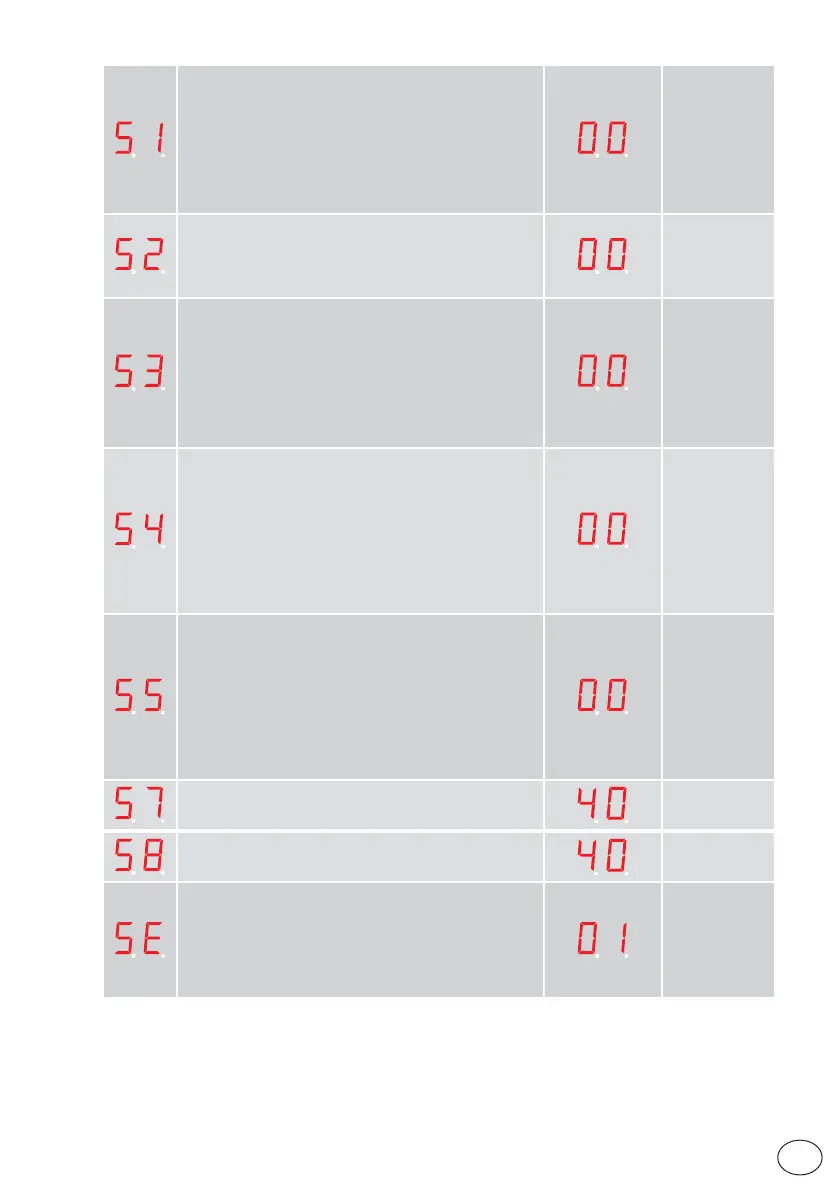
Push&Close (00÷01)
When this parameter is set to On (01) the motor will in
operation mode selections OFF or EXIT try to close the door
with the force selected by parameter 50 “Closing Max Force”,
if someone tries to open it manually.
Push & Close is also known as “poor man’s lock”.
00= Off.
01= On.
Push & Close Timeout(00÷99s x0,1)
Adjustable time for how long time the door will continue to
“fight back” when someone is trying to force it open.
00 = infinite time.
Operator Type (00÷04)
00= Slider.
01= DO NOT USE.
02= DO NOT USE
03= DO NOT USE
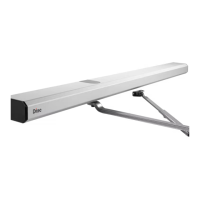
04= Mechanical Emergency Unit Slider (Sets for DAS200RF).
NOTE: on DAS00/DAS200RG this display is not visible and
is set to 00.
Service needed Operating Hours (00÷60hours x 1.000)
Set time before yellow LED in operation mode selector will
start flashing.
To clear the service needed indication you have to push
both UP and DOWN arrow on the MMI at the same time for
5 seconds when the display shows on. After 5 s the display
will show “SE” during another 5s., release the UP and DOWN
buttons. While the display shows “SE” pres SELECT button
and the Counters Operating hours will be set to zero.
Service Needed Opening Cycles (00÷50 x 100.000)
Set number of openings before yellow LED in operation
mode selector will start flashing.
To clear the service needed indication you have to push both
UP and DOWN arrow on the MMI at the same time for 5
seconds when the display shows on. After 5 s the display will
show “SE” during another 5s., release the UP and DOWN
buttons. While the display shows “SE”CO pres SELECT
button and the Counters Operating cycles will be set to zero.
Low Speed Distance, Opening (00÷99cm)
“Creep speed” distance during opening.
Low Speed Distance, Closing (00÷99cm)
“Creep speed” distance during closing.
Status indication (00÷01)
The operator shows the status indication on the LED
display of the control panel. See paragraph 9.2 for more
information.
00= Off.
01= On.


 To Next Page