Boot
In certain scenarios, you may require access to the boot mode for tasks such as firmware updates or
performing a factory reset in case of unstable firmware. To access the boot, follow these steps:
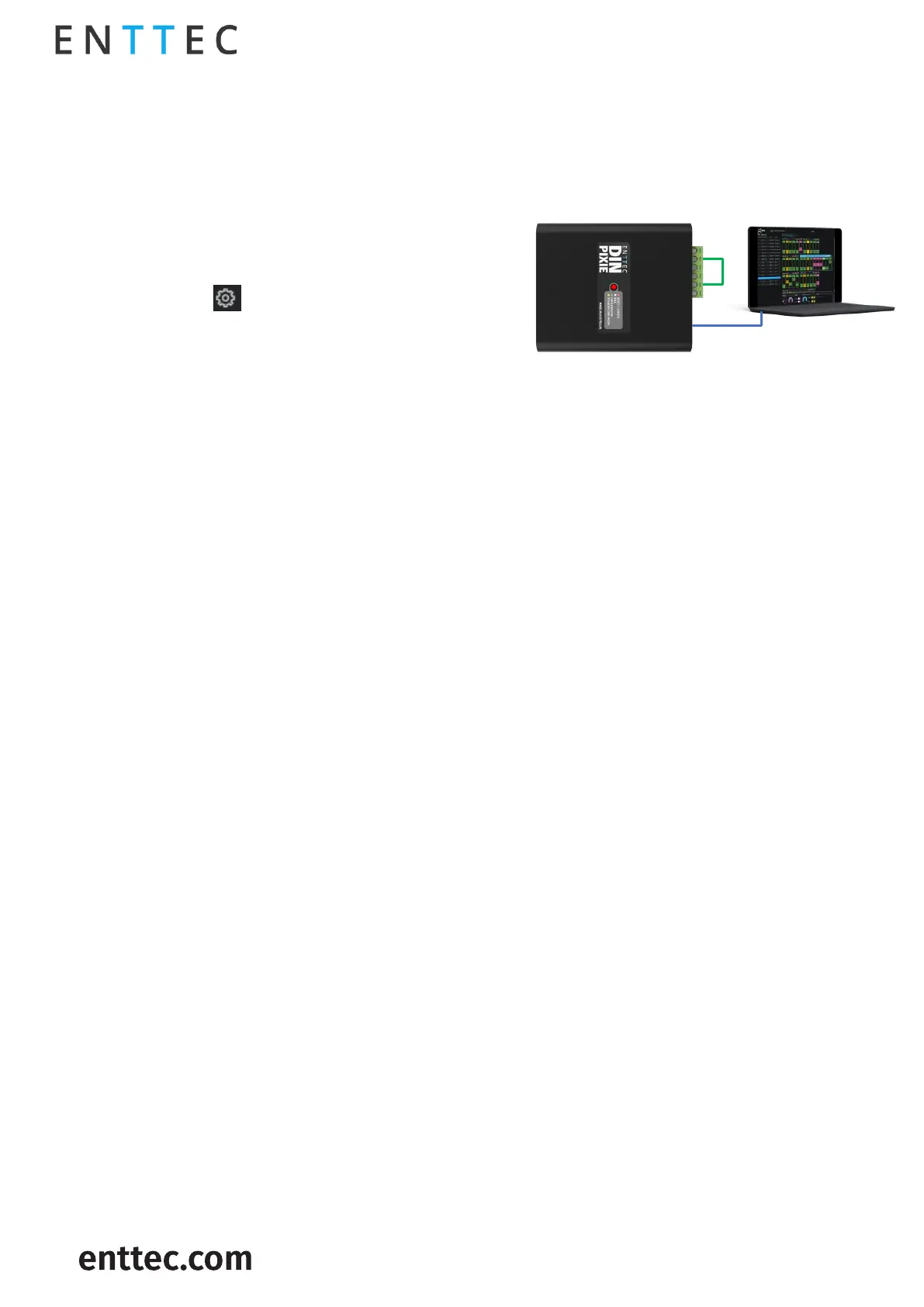
1. Wire both data output ports together.
2. Connect the DIN PIXIE to a computer via USB
cable and the LED will flash in red indicating it
is in boot.
3. Launch the EMU Software on your computer and
select from the DIN PIXIE.
4. The EMU Software will prompt you to access the
boot page for firmware updates or other
maintenance tasks.


 To Next Page