EasyManua.ls Logo

Enttec Din Pixie - RJ45 Pin Out to DMX Input; LED Status Indicator; Application Diagram

Enttec Din Pixie
16 pages
Print Icon
To Next Page IconTo Next Page
To Previous Page IconTo Previous Page
Loading...
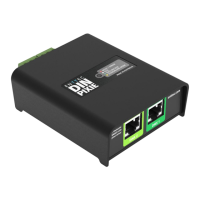
DIN PIXIE (73539)
Visit the ENTTEC website for the latest version.
..
USER MANUAL
4 |
ID: 5935565
Document Updated: Nov 2023
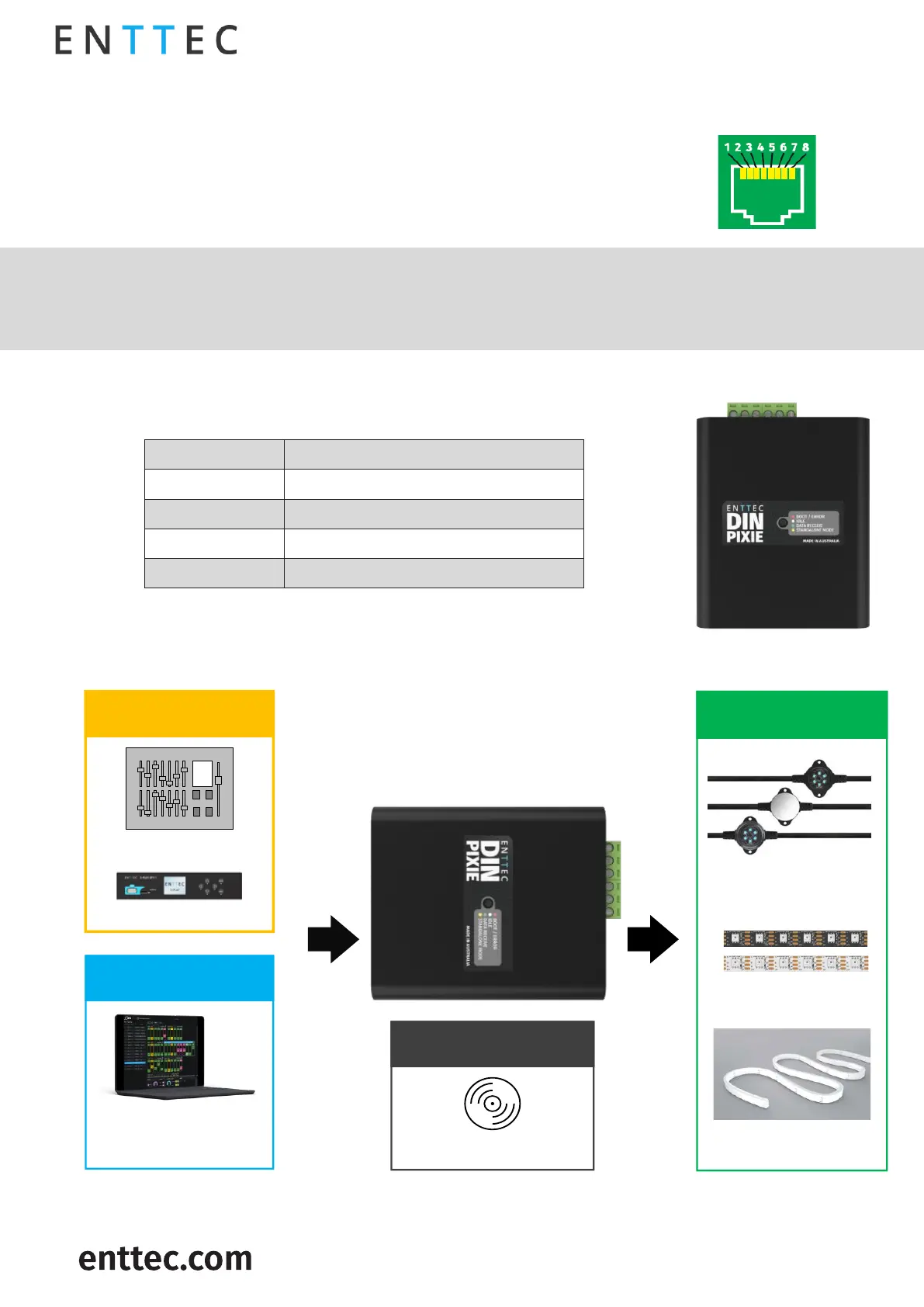
RJ45 Pin Out to DMX Input
The DIN PIXIE features two RJ45 ports for DMX Input.
Pin 1: Data +
Pin 2: Data –
Pin 7/8: Ground
 

Label any RJ45 DMX connector and DO NOT connect it to non-DMX ports (i.e. Ethernet Switches).
Connecting incompatible systems could result in permanent damage to DIN PIXIE and similar
equipment.
LED Status Indicator
The DIN PIXIE comes with a LED indicator that display different status:

LED Colour
Status
Red
Boot/Error
White
Idle
Green
Data Receive
Yellow
Standalone
Application Diagram
DIN PIXIE
(SKU:73539)
Pixel Dots
Pixel Tapes
SPI Output
Lighting Software
(Art-Net)
USB Mode
DMX Consoles
DMX Nodes
DMX Mode
Standalone Mode
Pre-recorded show file
Neon Flex

Related product manuals