Servicing, Inspection & Maintenance
◼
◼
Key areas to examine during inspection:
◼ Ensure all connectors are mated securely and show no sign of damage or corrosion.
◼ Ensure all cabling has not obtained physical damage or been crushed.
◼ Check for dust or dirt build up on the device and schedule cleaning if necessary.
◼ Dirt or dust buildup can limit the ability for a device to dissipate heat and can lead to damage.
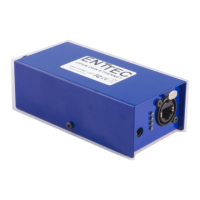
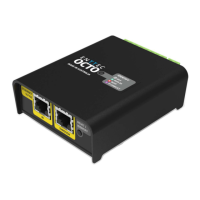
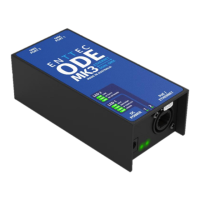
◼ The replacement device should be installed in accordance with all steps within the installation
guide. To order replacement devices or accessories contact your reseller or message ENTTEC
directly.
Cleaning
Dust and dirt build up can limit the ability for the device to dissipate heat resulting in damage. It’s
important that the device is cleaned in a schedule fit for the environment it is installed within to
ensure maximum product longevity.
Cleaning schedules will vary greatly depending on the operating environment. Generally, the more
extreme the environment, the shorter the interval between cleanings.
◼
◼
◼
To clean an ENTTEC device, use low-pressure compressed air to remove dust, dirt, and loose particles.
If deemed necessary, wipe the device with a damp microfiber cloth.
A selection of environmental factors that may increase the need for frequent cleaning include:
◼ Use of stage fog, smoke or atmospheric devices.
◼ High airflow rates (i.e., in close proximity to air conditioning vents).
◼ High pollution levels or cigarette smoke.
◼ Airborne dust (from building work, the natural environment or pyrotechnic effects).
If any of these factors are present, inspect all elements of the system soon after installation to see
whether cleaning is necessary, then check again at frequent intervals. This procedure will allow you
to determine a reliable cleaning schedule for your installation.


 To Next Page