22
6.5 PC interface
Communication with a laptop or PC occurs optionally at the terminals via an RS-485 interface or on
the front via a USB interface, with the simple ProSens converter as well as with the Evaluation unit in
DIN Rail or eld house version.
✔ The RS 485 connection is attached to the Evaluation unit in the eld housing at the Modbus A (+)
and Modbus B (-) terminals. On the DIN Rail version, these connections are no. 12 and 11,
accordingly.
RS 485 is a bus connection; the Modbus address and the baud rate can be set on thedevice. Upon
delivery, the communication parameters are set to:
• Modbus address 1
• Baud rate 9600, 8, E,1
An RS 485 to USB adapter can be purchased from ENVEA Process.
✔ A standard USB-A-B cable is supplied for the USB connection.
The USB connection is a point-to-point connection that is BUS-enabled. The Modbus address
and baud rate for the front connections cannot be changed and are always:
• Modbus address 1 (or the device answers to all addresses)
• Baud rate 9600, 8, E,1
When connected to the PC for the rst time, any interface drivers enclosed with the Evaluation
unit must be installed.
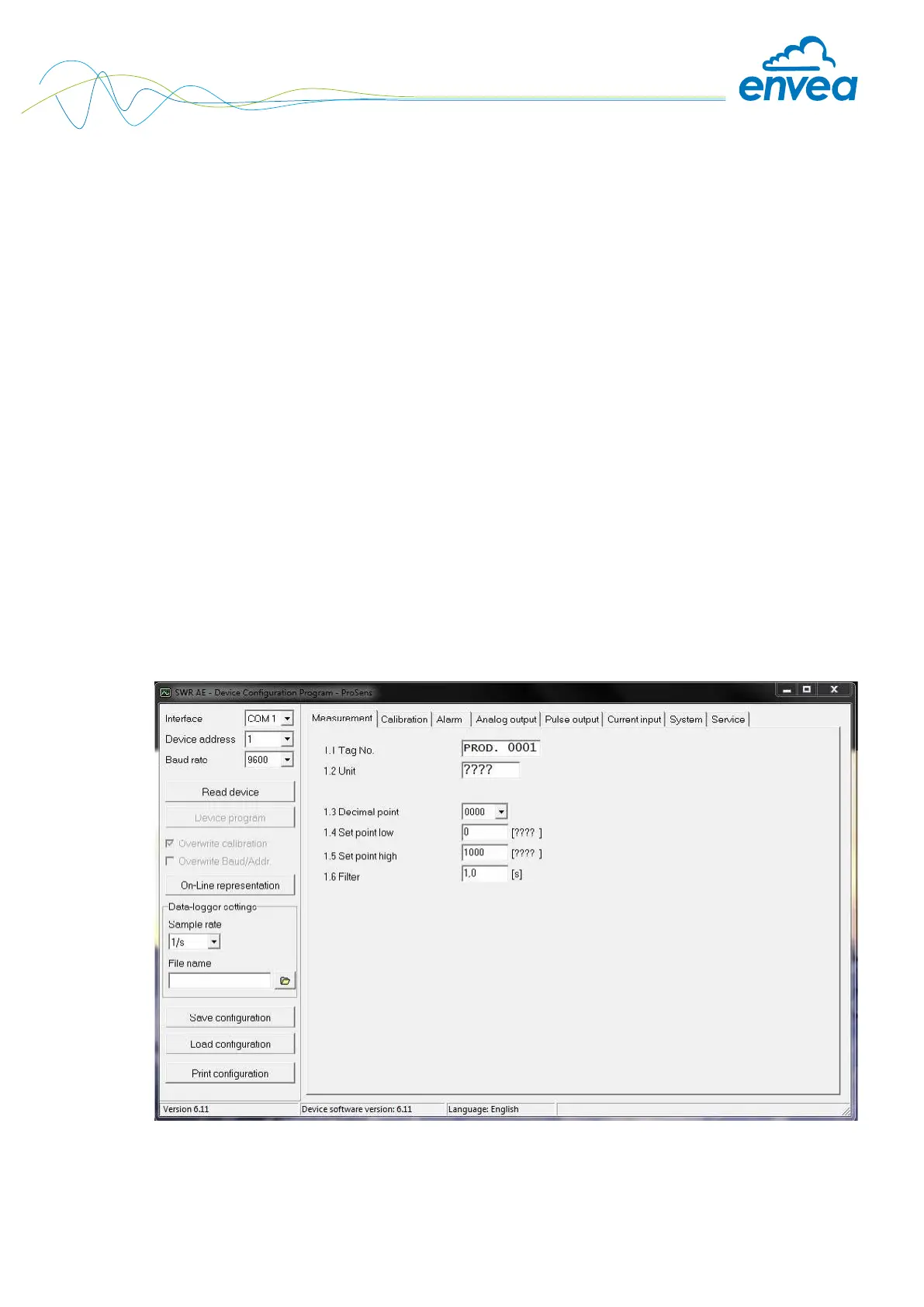
After starting the software, the communication parameters must rst be entered accordingly.
These can be found in the top left of the program window.


 To Next Page