Operations Manual
5. GENERAL CARGO LOADING GUIDELINES
Envirotainer RKN e1 Container
5.1 CARGO LOADING
The recommended procedure is:
1. Switch on the container (if pre-conditioned without container operating) and ensure
container set temperature is correct and container is pre-conditioned to the required cargo
temperature.
Refer to chapter 7. Control Unit Operation — Type 1 and Type 2.
2. Load the container (minimize the time the container doors are open during loading).
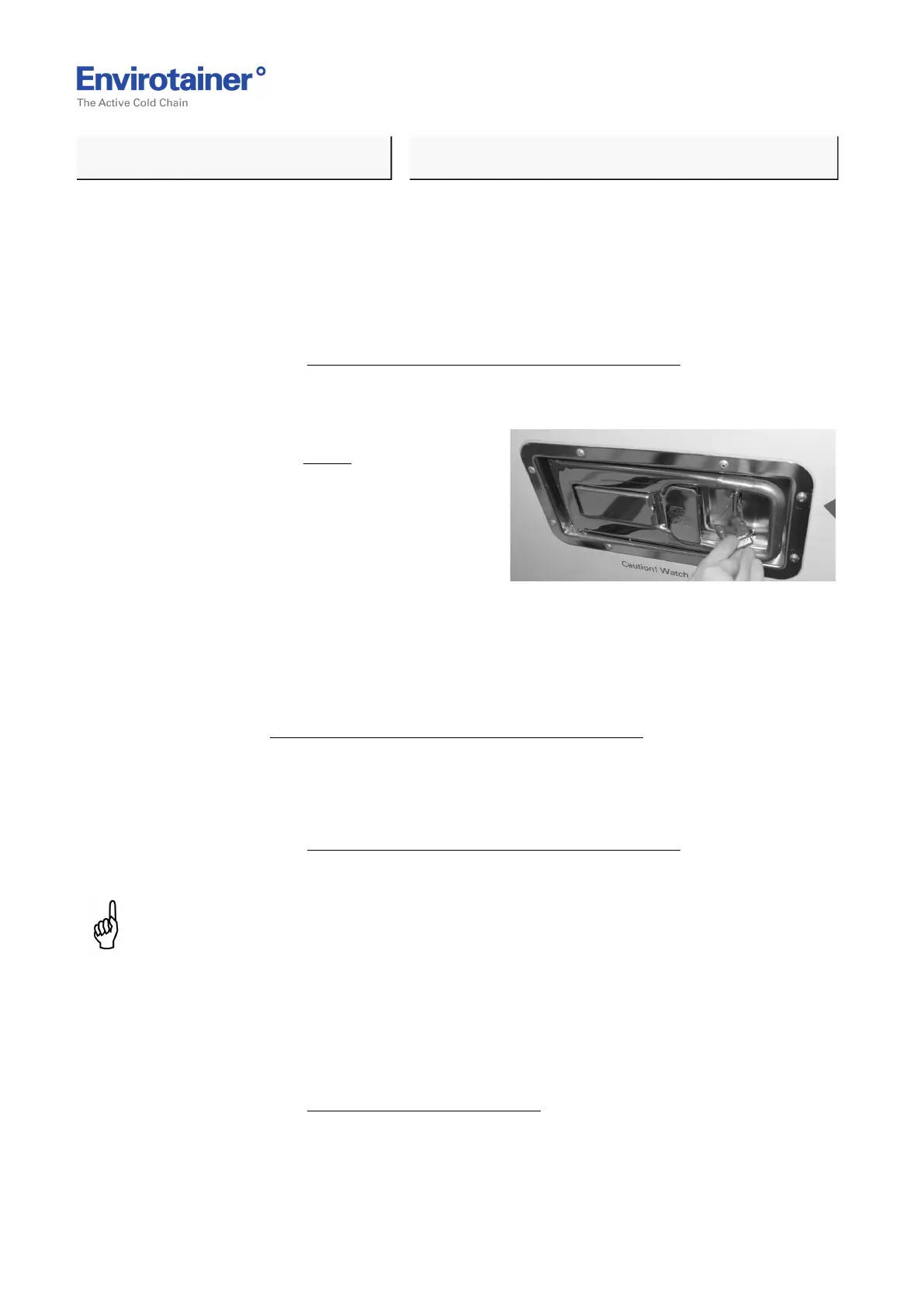
Fig. 5
3. Close and lock the doors. Secure the right
door with a seal (Fig. 5 ) if applicable.
The left door cannot be opened before the
right door has been opened.
4. Place any shipping documents or check lists in the container placard holder.
5.2 AFTER CARGO LOADING
Refer to chapter 7. Control Unit Operation — Type 1 and Type 2.
The recommended procedure is:
1. Check that the battery level is 95% or above.
2. Confirm container set temperature is correct on the control unit.
Refer to chapter 7. Control Unit Operation — Type 1 and Type 2.
3. Check that the yellow alert indicator on the control unit has not been activated.
NOTE:
The alert for inside temperature may appear due to the door opening during loading. Ensure
temperature recovers and alert disappears in a few minutes.
4. Check that the red alarm indicator on the control unit has not been activated.
5. Confirm that all doors and covers are closed and latched.
6. Ensure that the container is stored in accordance with the specified limits and ambient
conditions.
Refer to chapter 2. Limits, Ambient Conditions.
Doc No. MO-RKN-3009
Version 2.2: 2017-08-31 12 (42)



 To Next Page