Operations Manual
7. CONTROL UNIT OPERATION — TYPE 1 AND
TYPE 2
Envirotainer RKN e1 Container
5. Check that no alarms are activated. If any alarm is activated the red alarm indicator is
flashing. If so, abort shipment, check what alarm that has been activated and report failure
to Envirotainer.
Refer to chapter 8. Operation Modes, Infos, Alerts And Alarms.
It is also possible to view activated alarm in the control unit menu.
• Press to enter the main menu; the display shows "Battery status".
• Use or to step to "View alarm" and press to confirm; the display shows
activated alarms.
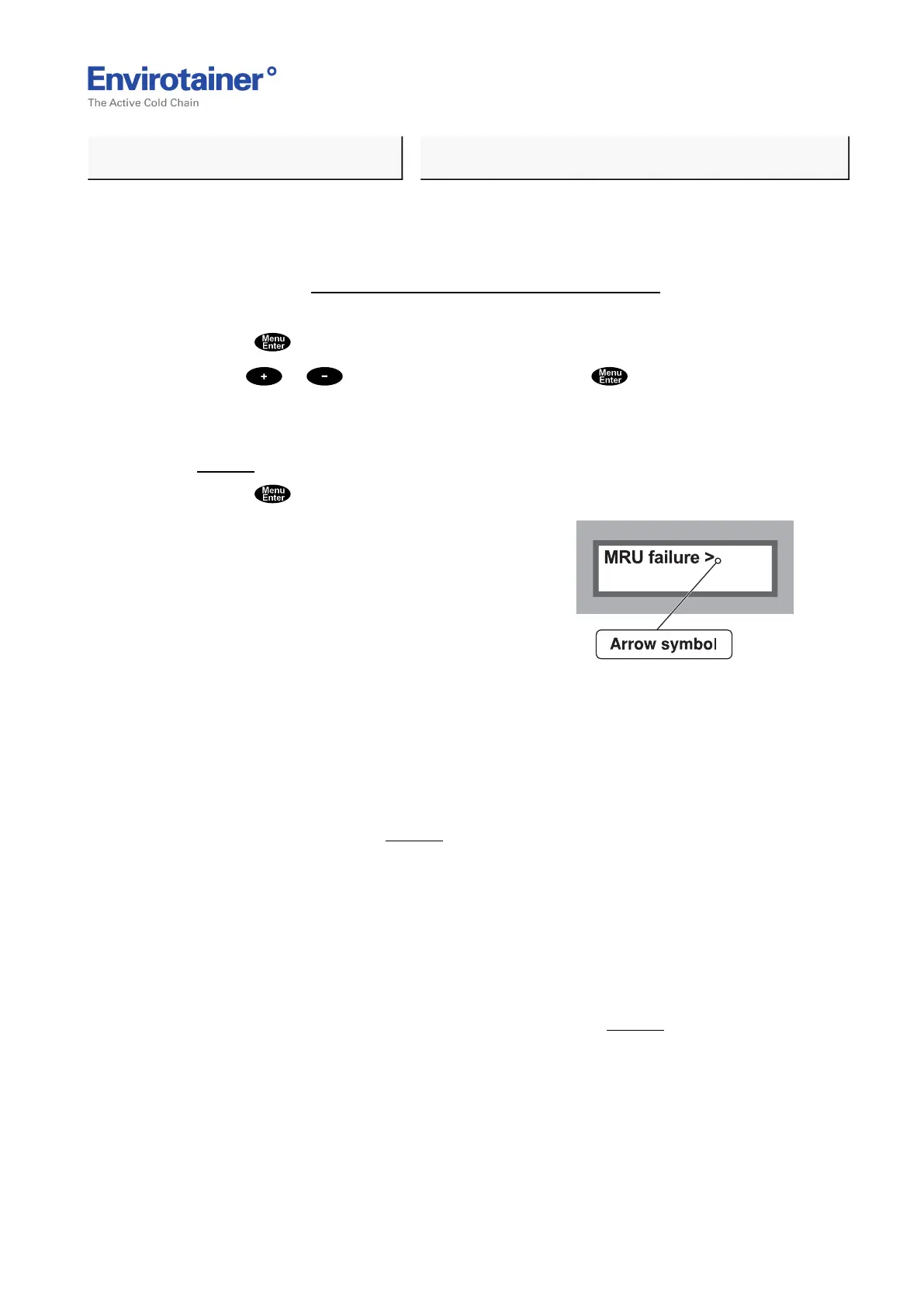
If more than one alarm is activated, an arrow symbol is shown in the top right corner
(Fig. 14 ).
• Press to scroll between activated alarms.
Fig. 14
7.1.6 CALIBRATION STICKER
In order to ensure that the control unit is calibrated within a 12 month period there is a
calibration sticker placed on the control unit. Calibration must be performed prior to the
month indicated on the sticker (Fig. 15 ).
Example: if a container was calibrated in October 2014 it must be re-calibrated before the start
of October in 2015.
Please contact the Envirotainer Customer Care team for advice, if calibration is not performed:
customercare@envirotainer.com
7.1.7 SEAL CONTROL UNIT
• Use the round opening in the latch to seal the control unit (Fig. 15 ).
(PROCEED ON NEXT PAGE!)
Doc No. MO-RKN-3009
Version 2.2: 2017-08-31 21 (42)



 To Next Page