Operations Manual
8. OPERATION MODES, INFOS, ALERTS AND
ALARMS
Envirotainer RKN e1 Container
8.3 ALERTS
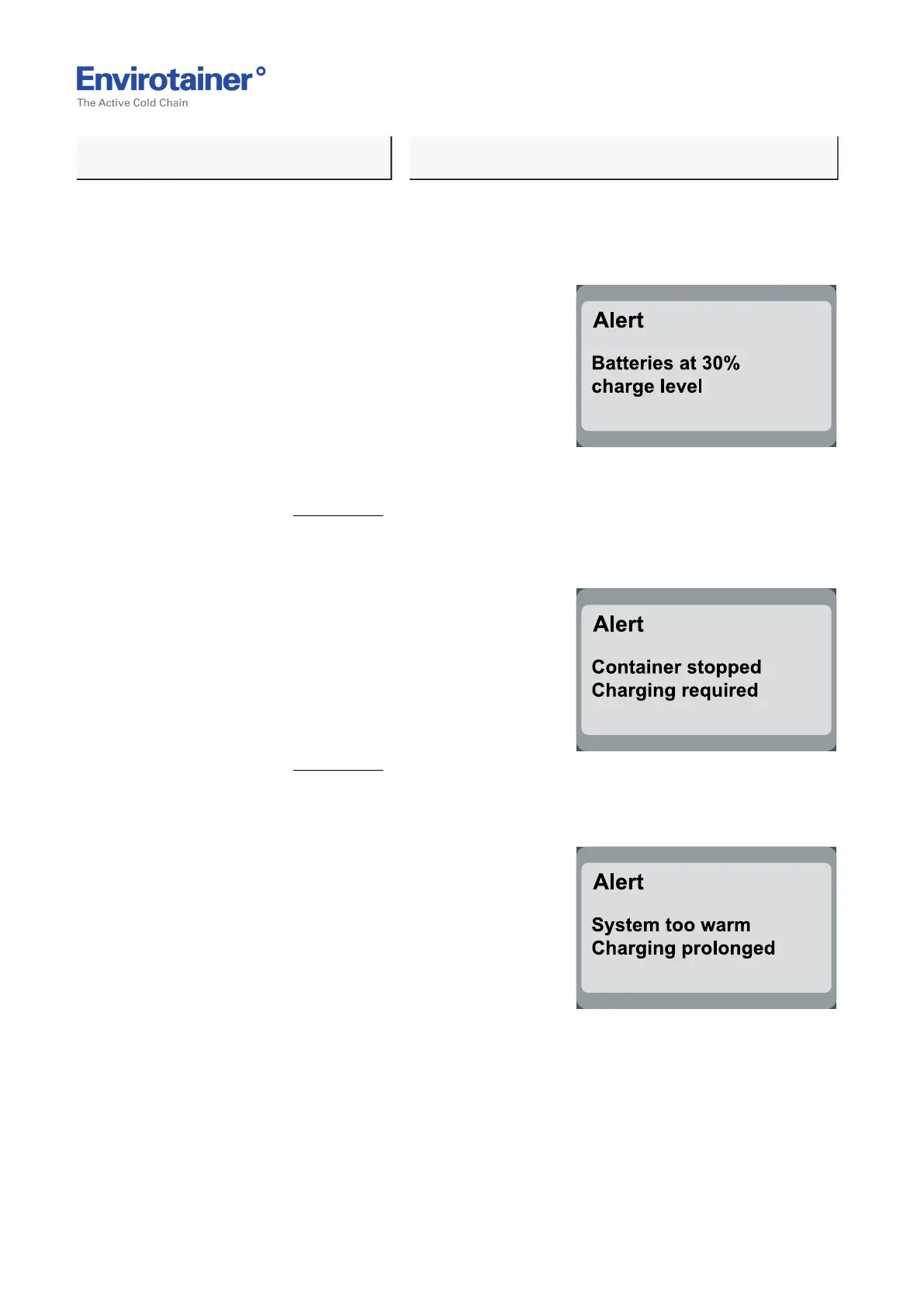
8.3.1 "BATTERIES AT 30% CHARGE LEVEL"
Fig. 23
REASON:
• The battery capacity is below 30%.
ACTION:
• Check the battery level immediately to
ensure that there is sufficient battery power
for the remainder of the shipment. It is
recommended that the batteries be charged.
Refer to chapter 3. Charging.
8.3.2 "ALERT, CONTAINER STOPPED, CHARGING REQUIRED"
Fig. 24
REASON:
• The batteries are depleted (the cut out
voltage for the batteries have been reached)
ACTION:
• Charge the batteries.
Refer to chapter 3. Charging.
8.3.3 "ALERT, SYSTEM TOO WARM, CHARGING PROLONGED"
Fig. 25
REASON:
1. The batteries or chargers are too warm.
2. Interruption in temperature reading.
ACTION:
1. Disconnect the container from mains and
if possible move the container to a cooler
area.
2. Wait for the system to cool down (depending of ambient conditions) and reconnect the
mains. If the system temperature is still to high the alert will appear again after a few
minutes.
Doc No. MO-RKN-3009
Version 2.2: 2017-08-31 30 (42)



 To Next Page