Operations Manual
8. OPERATION MODES, INFOS, ALERTS AND
ALARMS
Envirotainer RKN e1 Container
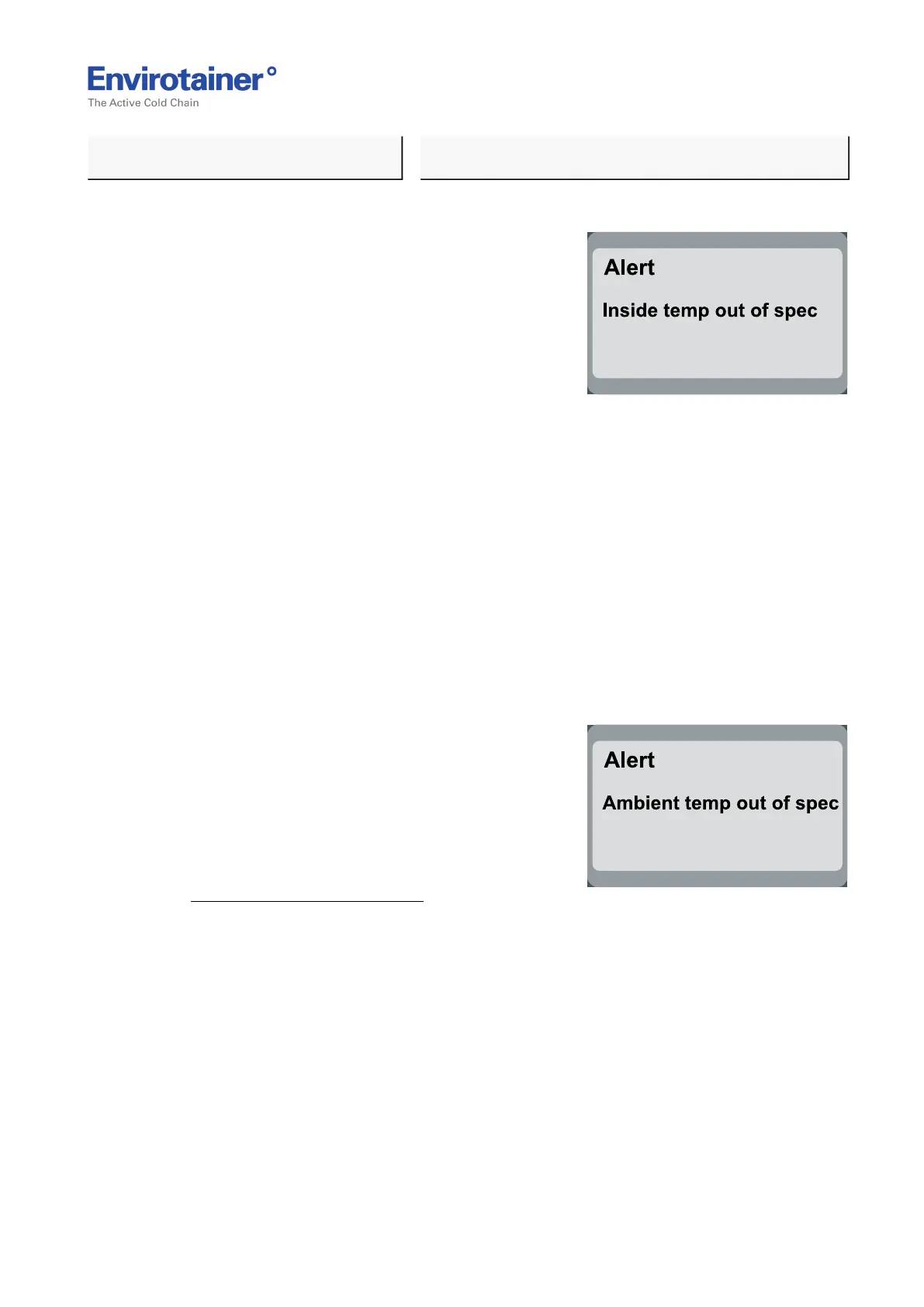
8.3.4 "INSIDE TEMP OUT OF SPEC"
Fig. 26
REASON:
• The temperature of the air inside the cargo
space is outside the following alert limits
depending on container set temperature:
• If container set temperature is < 10°C:
±3°C (50°F: ±5.4°F)
• If container set temperature is >= 10°C:
±5°C (50°F: ±9°F)
The reason for this could be that the ambient temperature has been out of specification or
that the doors have been opened recently.
ACTION:
1. Make sure the ambient temperature is within specifications.
If not, move container to an area with within specifications.
2. Make sure the doors are closed properly.
If not, close doors.
8.3.5 "AMBIENT TEMP OUT OF SPEC"
Fig. 27
REASON:
• The container is exposed to extreme ambient
temperatures.
ACTION:
1. To safeguard the cargo, make sure the
"Inside temp out of spec"—alert is not
activated.
2. Make sure the ambient temperature is within specifications.
If not, move container to an area with within specifications.
Doc No. MO-RKN-3009
Version 2.2: 2017-08-31 31 (42)



 To Next Page