Advanced Settings
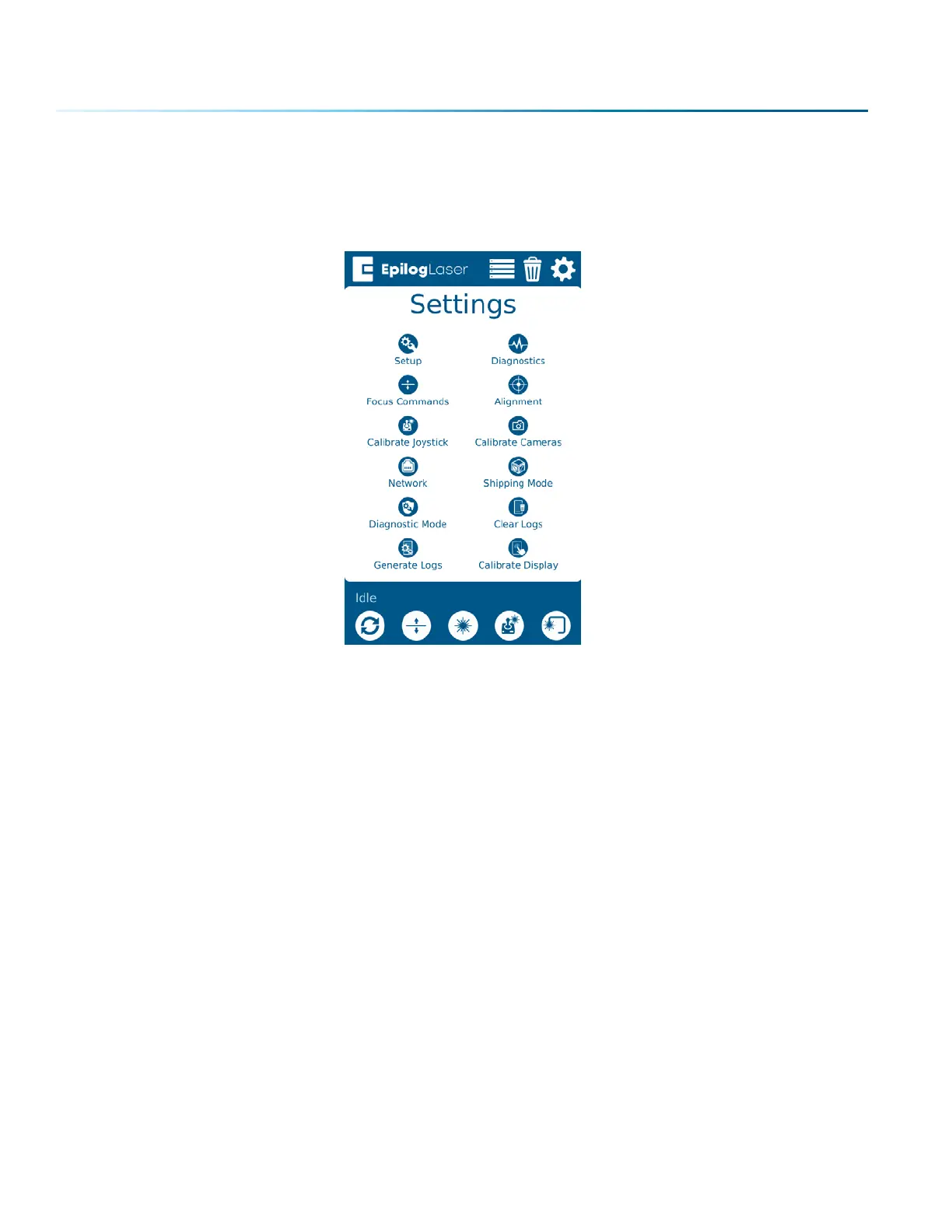
Access the Advanced Settings Menu by first going to the Settings Menu, then long pressing the text
“Settings” at the top of the screen.
In this menu you have options for calibrating various parts of the machine, including the Joystick,
Cameras and Auto Focus. Each option provides step by step instructions for each process.
For more information about Camera Calibration, see “Camera Calibration” on page 217.
For more information about Auto Focus Calibration, see “Calibrating the Auto Focus” on page 221.
- 98 -
SECTION 6: CONTROL PANEL


 To Next Page
 Loading...









