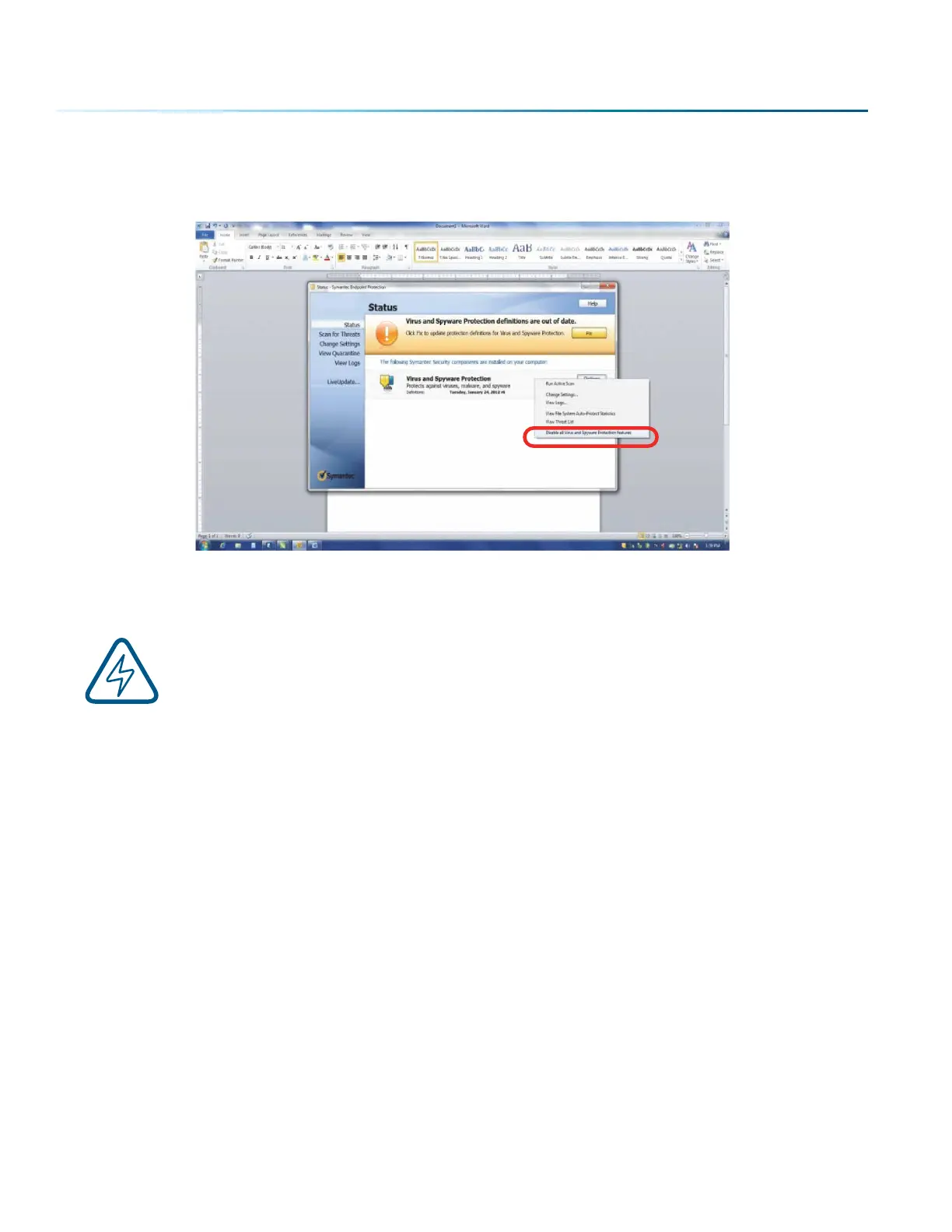
Disable all Virus and Spyware Protection Features. Aer the Job Manager has been installed go back
into your Anti-Virus soware and re-enable the setting that was disabled.
Important Job Manager Notes
• Warning: Before activating your laser, install the newest version of the driver to properly
associate the correct machine with the Job Manager.
• We suggest a minimum of 1 GB of free RAM space when managing very large engraving and vector
jobs.
- 34 -
SECTION 3: SOFTWARE INSTALLATION


 To Next Page
 Loading...









