How to Install the Epilog Soware Suite
1. Go to epiloglaser.com/drivers and select the Epilog Fusion Pro. Then click on the Epilog Soware
Suite to download the installation file.
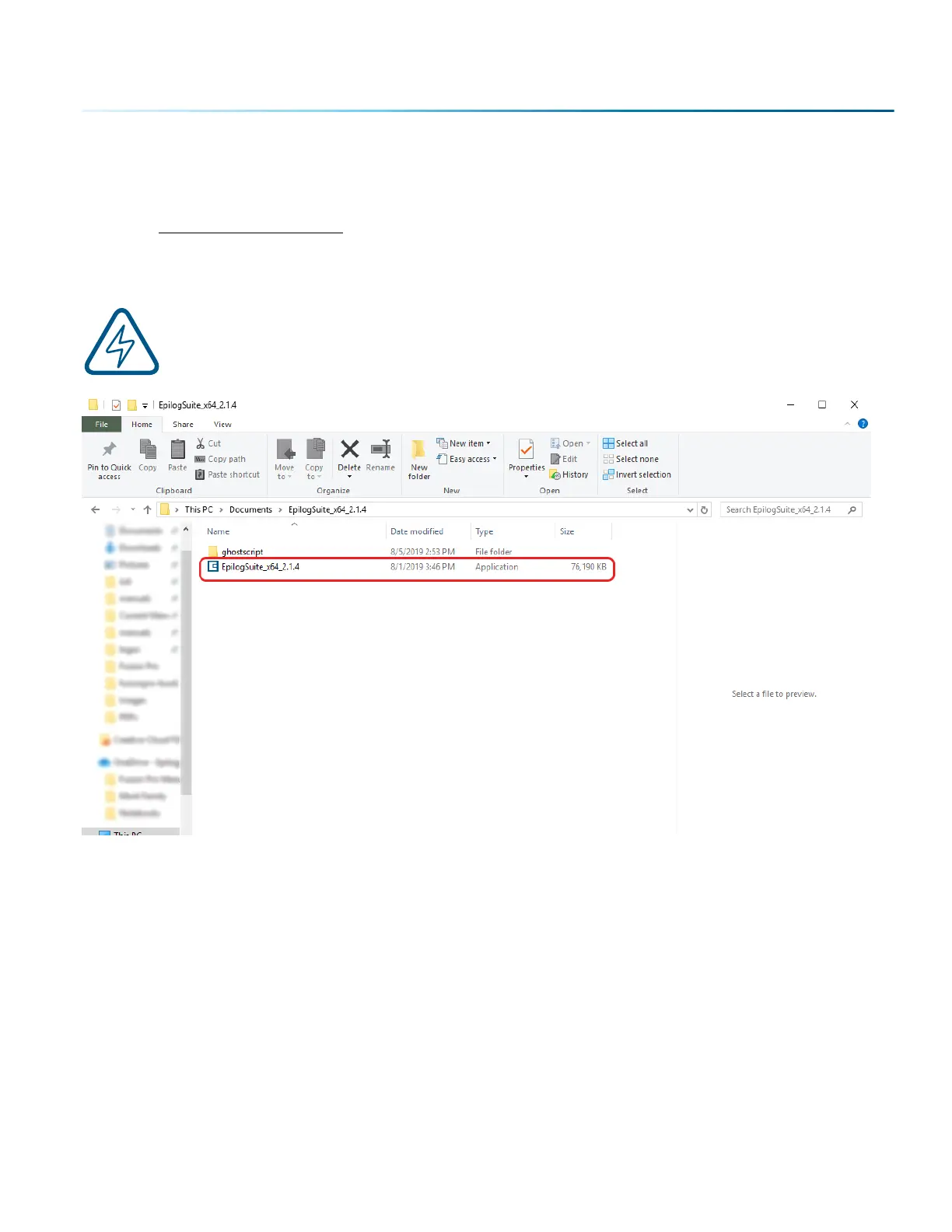
2. The installation file will download as a .zip folder that will need to be extracted. Right click the
folder and click “Extract All”. Once finished, double click on the EpilogSuite file.
Note: Make sure that the “Ghostscript” folder included in the download is always in the same
location as your Epilog Suite installation file, or the installation will not be able to complete.
- 25 -
SECTION 3: SOFTWARE INSTALLATION



 To Next Page
 Loading...








