Epilog Job Manager Instructions
The Epilog Job Manager is a poweul new tool that will quickly become one of your favorite features
on your laser system. From one piece of soware, you can access any job you have sent to the laser,
view the settings you used on any past job, re-run projects, access your material database, and much
more. It’s a great addition to the Epilog Laser product features, and we look forward to seeing how our
customers use this soware!
• Windows 7/8/10 is required to use the Epilog Job Manager.
Uninstalling the Previous Job Manager
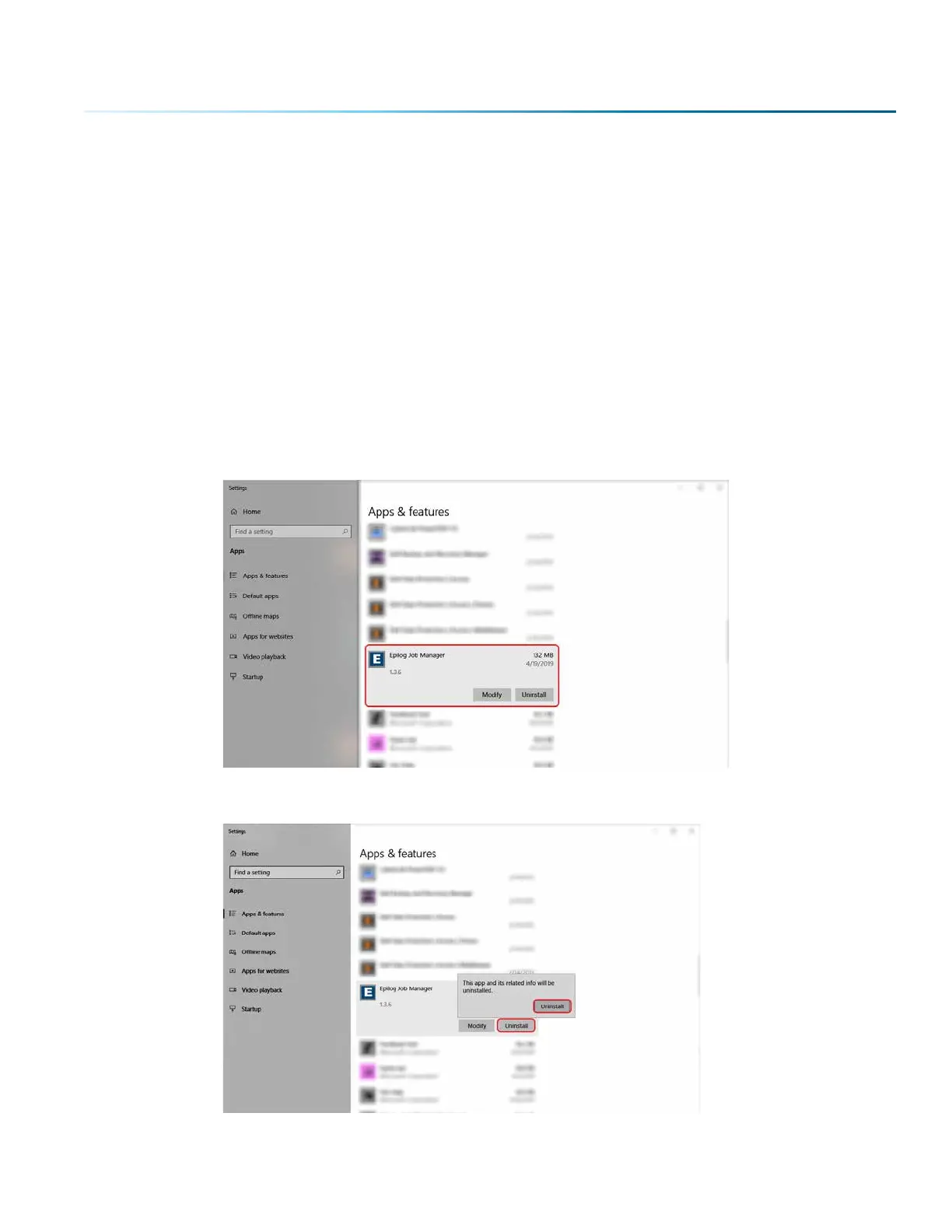
If you have installed a previous version of the Job Manager on your computer, you must uninstall it first
before you continue.
1. Go to Control Panel > Programs and Features and click on Epilog Job Manager
2. Click “Uninstall” and confirm if asked again.
SECTION 3: SOF T WARE INSTALL ATION
- 23 -



 To Next Page
 Loading...








