Vector Sorting
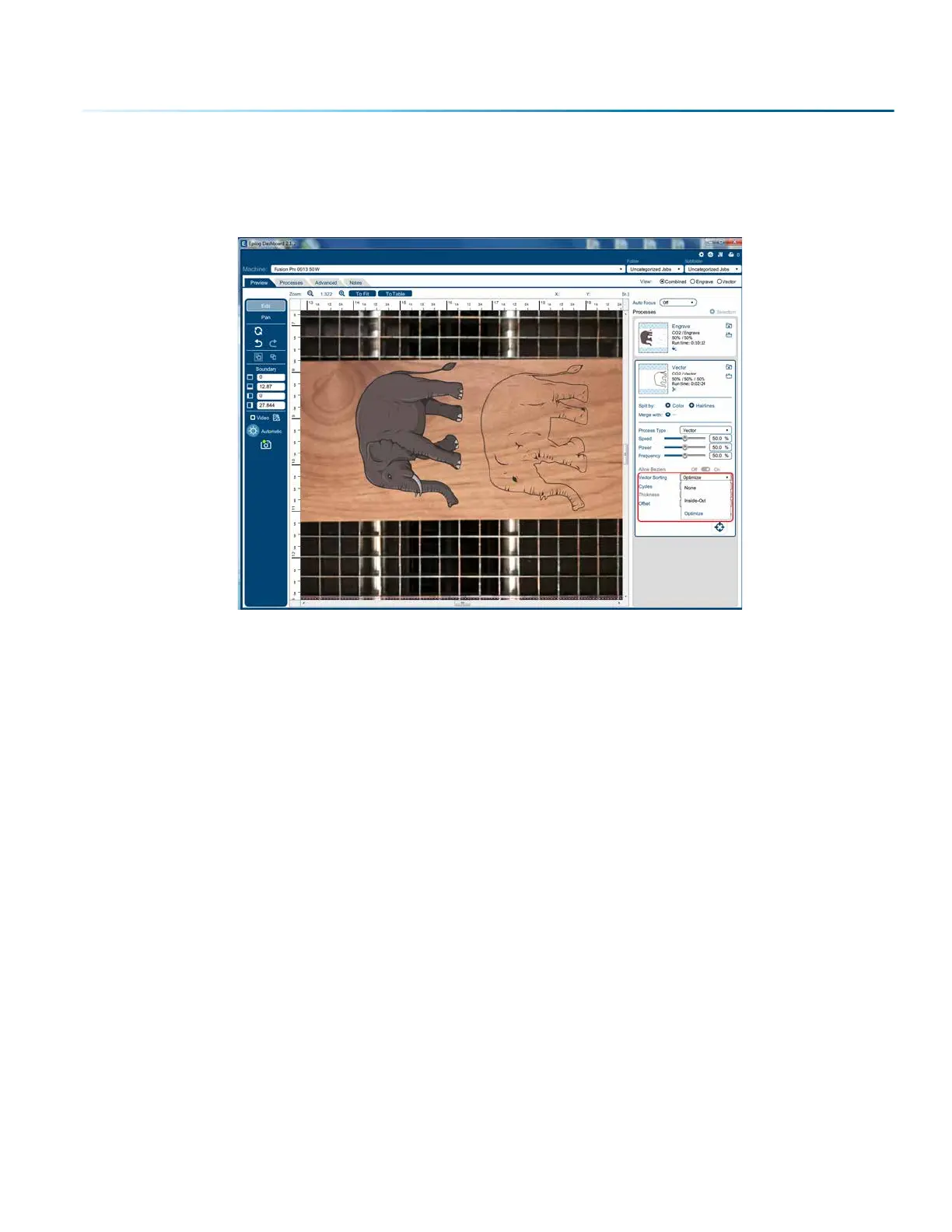
You can determine the cutting order of vector lines directly from the Epilog Job Manager.
You can choose from three dierent vector sorting options:
1. None: Vector line cutting order is determined by the order they were created.
2. Inside/Out: All internal vector paths in the file will be process prior to the external vector paths. For
example, if cutting the letter O, the inner oval will be cut before the outer oval.
3. Optimized: The laser will process the vector lines looking for the next closest node for quicker
vectoring.
- 43 -
SECTION 4: THE JOB MANAGER


 To Next Page
 Loading...









