Under the Jobs tab you can modify, print or save jobs from this window using the listed settings or with
new settings. The new settings will be saved as the next print job complete with time stamp and date.
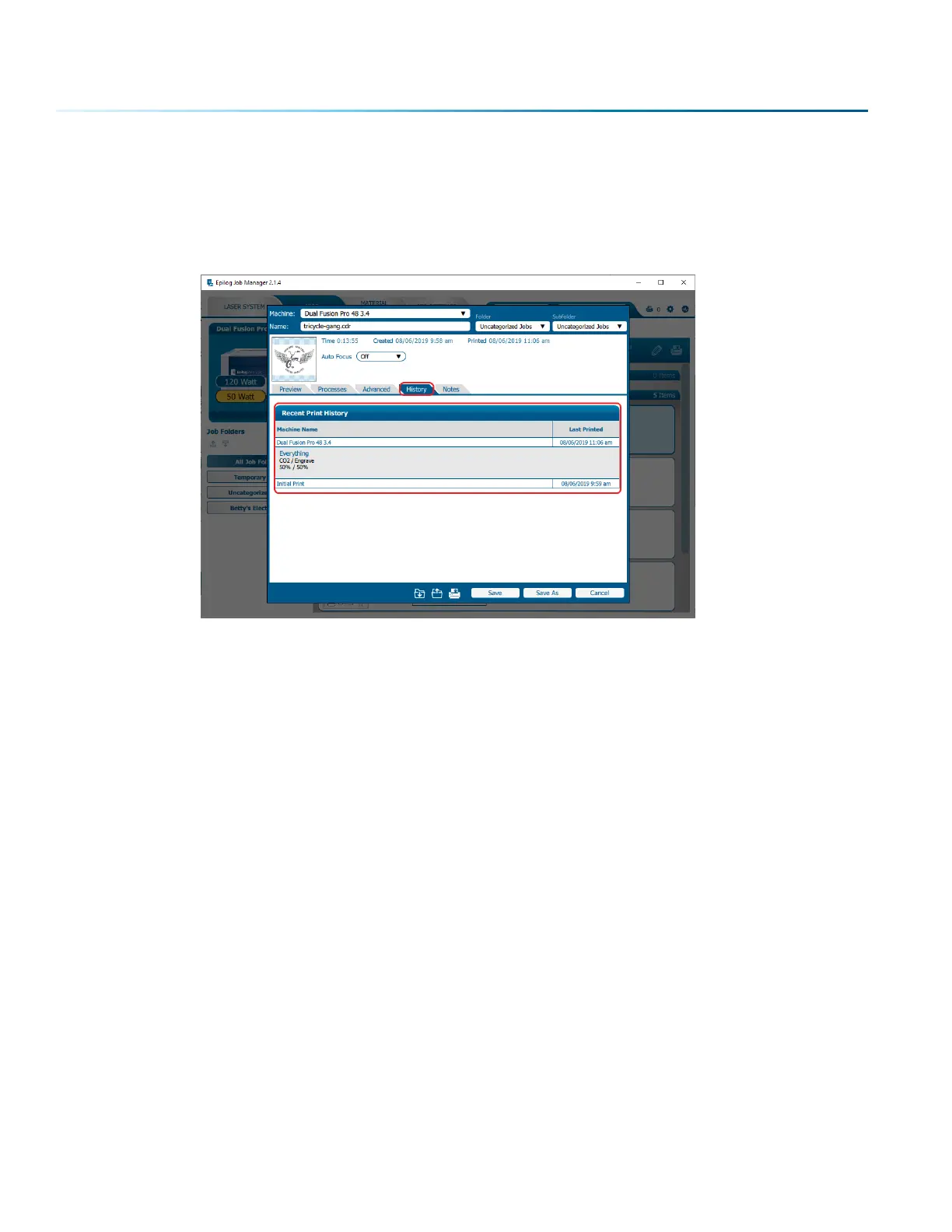
You’ll see which machine it was printed to, when it was first printed (Initial Print), all subsequent prints,
and all laser parameters used. To access this, double-click on the job, then select History. To view the
laser parameters of this job, click on the print version. In this example we have clicked on the Initial Print.
- 42 -
SECTION 4: THE JOB MANAGER



 To Next Page
 Loading...








