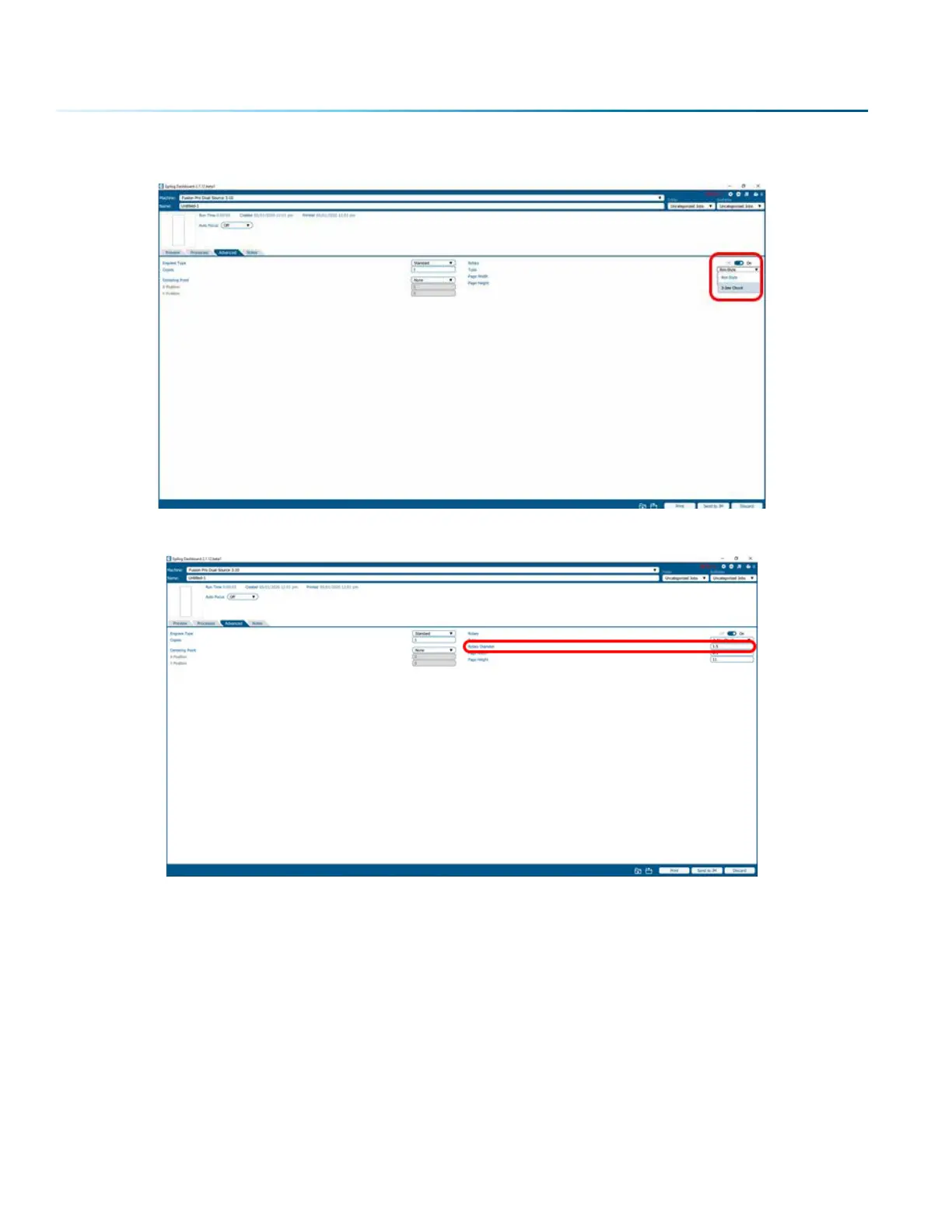
3. Select the 3-Jaw Chuck for your Rotary Type from the dropdown menu.
4. Input the diameter of your cylinder.
Artwork Layout for Center-Center Positioning
Artwork layout and positioning is a three-step process when using the 3-Jaw Chuck Rotary:
1. Setting up your artwork in your graphics soware.
2. Setting the Laser processes in the Dashboard
3. Setting the Centering Point option in the Advanced tab of the Dashboard. This will tell the machine
that you are going to manually center the artwork over the cylinder you are engraving.
- 140 -
SECTION 9: OPTIONAL FEATURES


 To Next Page
 Loading...









