EasyManua.ls Logo

EPS RS 232 - RS232 Interface Configuration

Default Icon
53 pages
Print Icon
To Next Page IconTo Next Page
To Previous Page IconTo Previous Page
Loading...
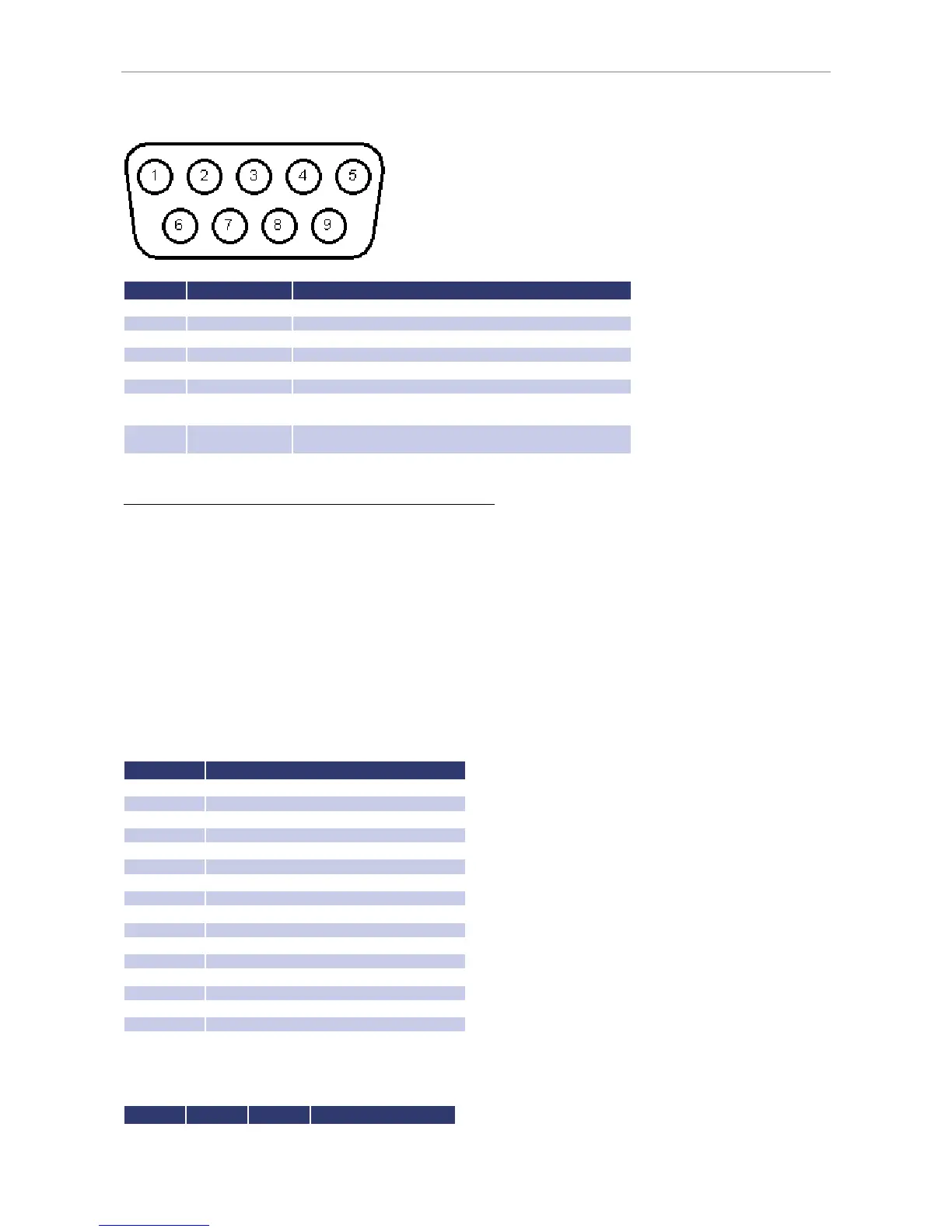
Ext. Control: Computer
No Name Function
1
N.C.
2
TxD
Data line from unit to PC
3
RxD
Data line from
PC to unit
4
N.C.
5
GND
GND
6
N.C.
7 CTS
Reception of the PC, signal direction from PC to unit
(only required for active Hardware handshake)
8 RTS
Reception of the unit, signal direction from unit to PC
(only required for active Hardware handshake)
9
N.C.
The interface can be operated using the following parameters:
Baud rate: 1200, 2400, 4800, 9600, 14400, 19200, 38400, 57600, 62500, 115200
Parity: O = Odd = uneven parity
E = Even = even parity
N = None = no parity bit
Number of data bits: 7 or 8
Number of stop bits: 1 or 2
Handshake: H = Hardware
S = Software
N = None (no handshake)
The defined character for XON is 0 x 11 and for XOFF it is 0 x 13.
Interface parameters in delivery state are 9600 baud, no parity, 8 data bits, 1 stop bit, echo on. The status word can be
read with the command
<STB>
or
<*STB?>
. The following functions are assigned to the bits:
Bit Function

D15
Parity error
D14
Over
run error
D13
Framing error
D12
Timeout error
D11
Echo on
D10
used internally, can be 1 or 0
D9
Hardware handshake (RTS/CTS)
D8
Software handshake (XON/XOFF)
D7
Parity enable
D6
Parity mode (1 = odd, 0 = even)
D5
Stop bit (1 = 2 stop bits; 0 = 1
stop bit)
D4
Data format (1 = 8 bit; 0 = 7 bit)
D3
used internally, can be 1 or 0
D2
Table
D1
Table
D0
Table
Table: Error messages
D2 D1 D0 Error
0
0
1
Syntax

Table of Contents