Ext. Control: Ethernet (LAN)
34
M
ONITORING THE DEVICE VIA BROWSER
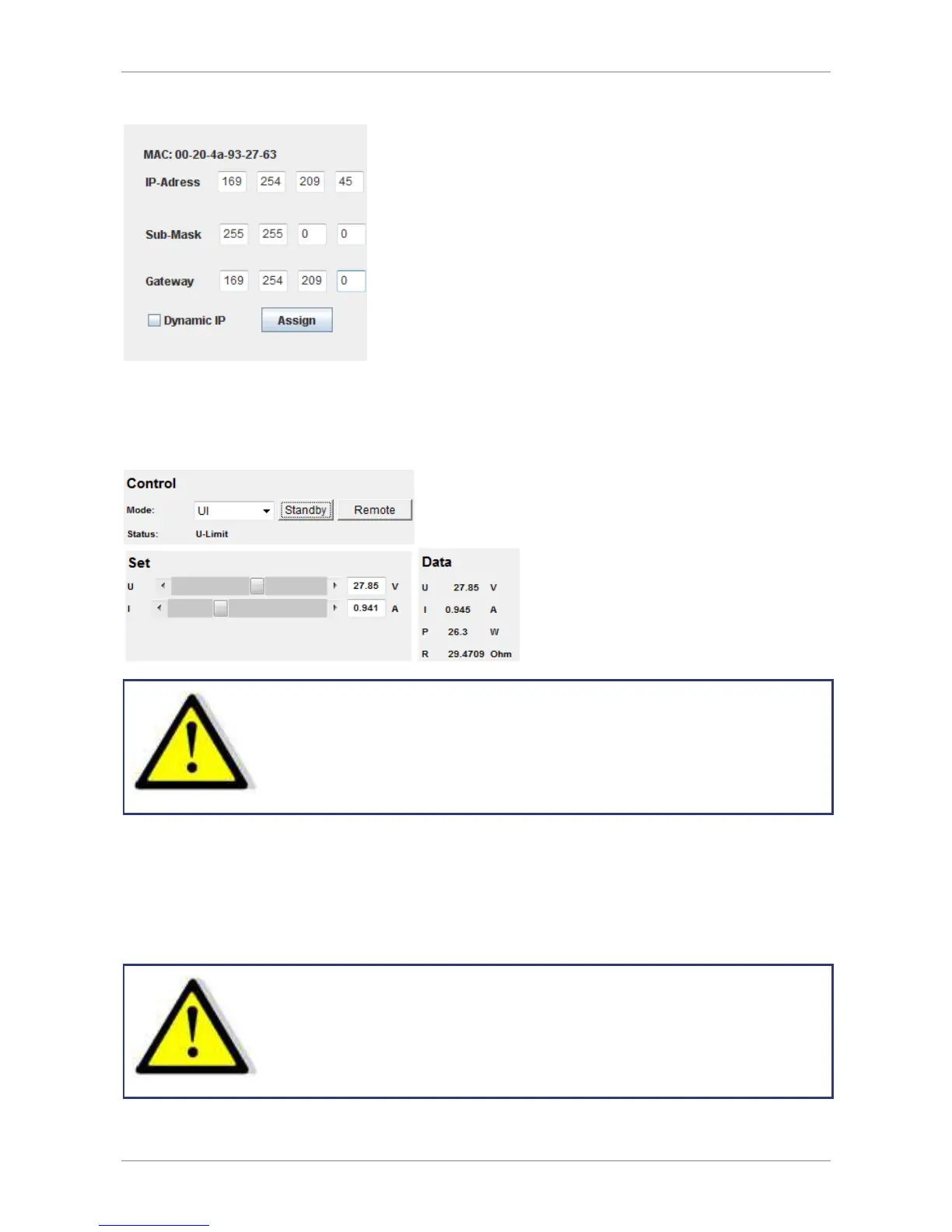
The user interface opens via direct request of the IP address: http://xxx.xxx.xxx.xxx. The item menu ‚Control‘ opens
the control of the unit. Java must be supported by your browser to control the device.
When controlling the device via browser, anoth er control via
telnet must not be active!
C
ONTROLLING THE DEVICE VIA
T
ELNET
The device can be controlled directly via port 10001. After the console has been opened, a click on ‚Start‘ and
‚Ausführen‘ opens an input field. After the commands
cmd
or
command
have been entered, a DOS window opens
with: telnet xxx.xxx.xxx.xxx 10001.
Alternatively, many terminal programs offer the possibility to establish a TCP/IP or telnet connection.
When controlling the device vi a port 10001, the user interface
of the device must not be open in a browser!



 To Next Page