Selecting a Paper Feeding Method
Your printer can feed single sheets from the top and front and
continuous paper from the rear, front, and bottom. Also, you
can use the tractor unit for continuous paper as either a push
or pull tractor.
You will probably use only one or two of these methods on a
regular basis.
This chapter explains the various methods of paper handling
and includes recommendations on the feeding methods best
suited to your specific needs.
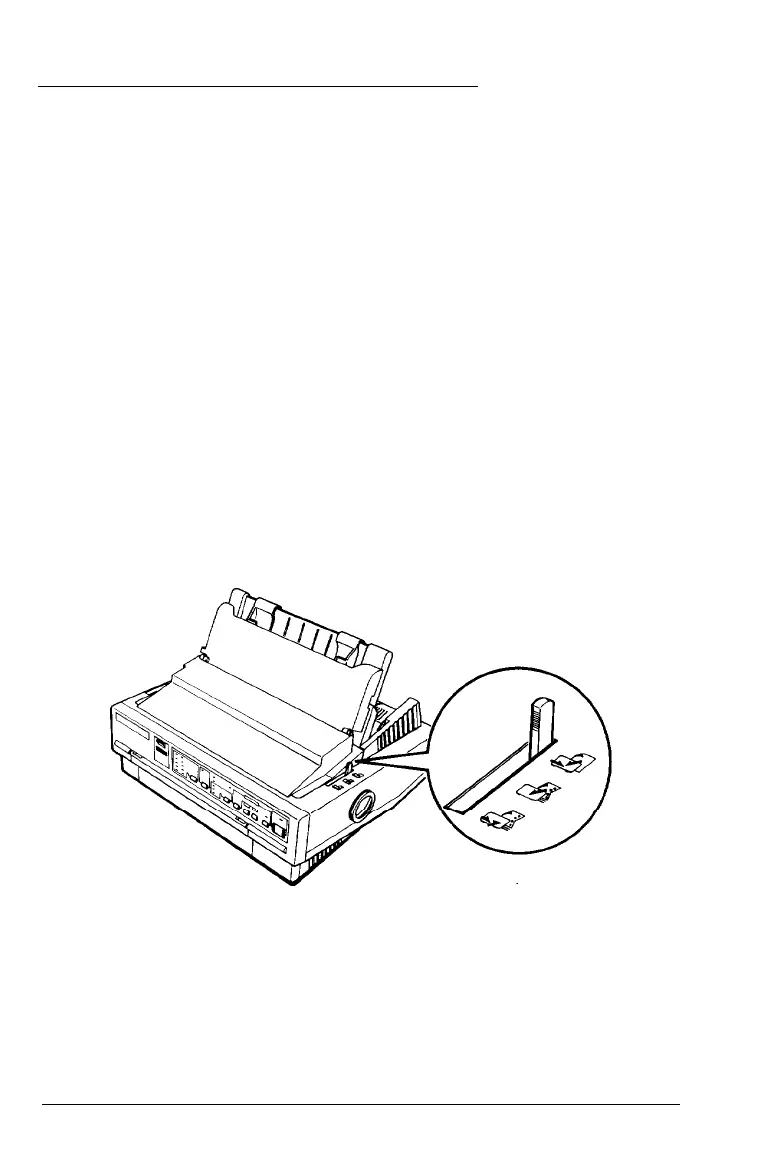
Setting the paper-release lever
The paper-release lever has three positions, with icons
indicating the type of paper and paper path for each position.
2-2 Paper Handling



 To Next Page