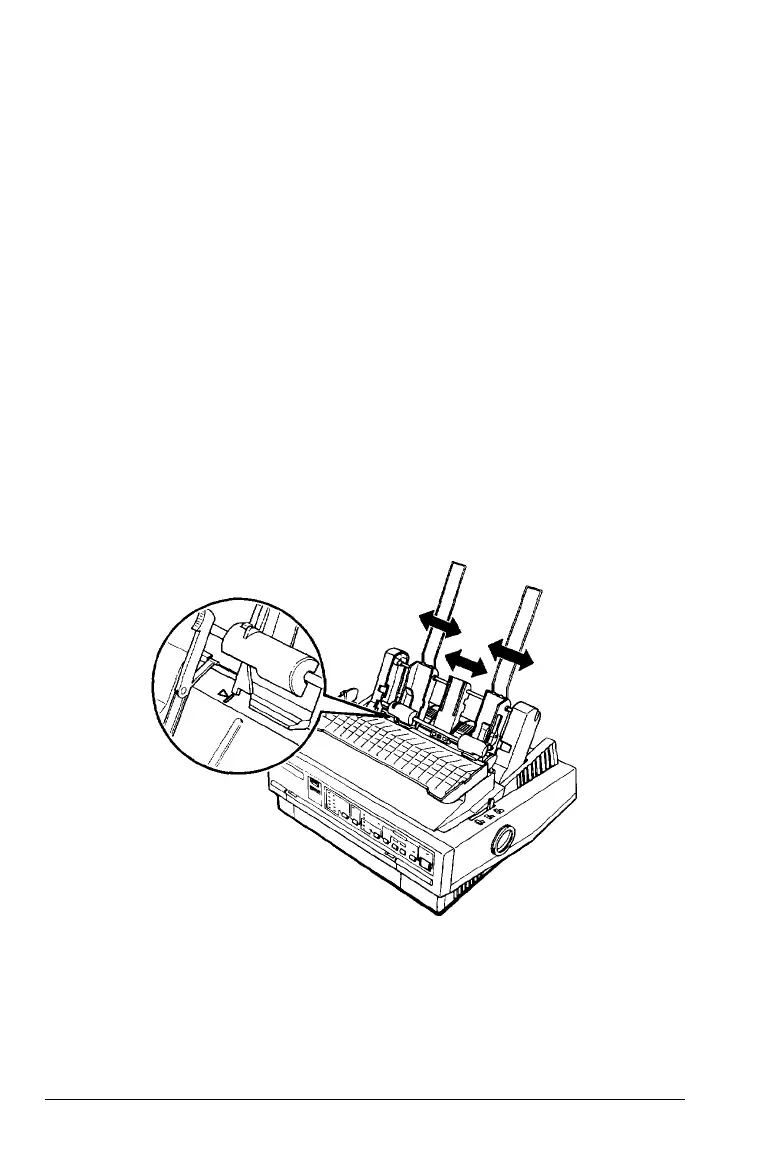
5. Replace the printer cover.
You are now
ready
to
load paper
with your cut-sheet feeder as
described in the following section.
Removing a cut-sheet feeder is the reverse of the steps above.
Loading paper with the single-bin cut-sheet feeder
Load paper using the single-bin cut-sheet feeder as follows:
1. Turn off the printer. If necessary, raise the paper guide cover,
rest it on the printer cover, and remove the paper guide.
2. Slide the left paper guide so it is aligned with the triangle
mark. Next, slide the right paper guide to roughly match
the width of your paper. Slide the paper support to
midway between the paper guides.
4-4 Using Printer Options



 To Next Page