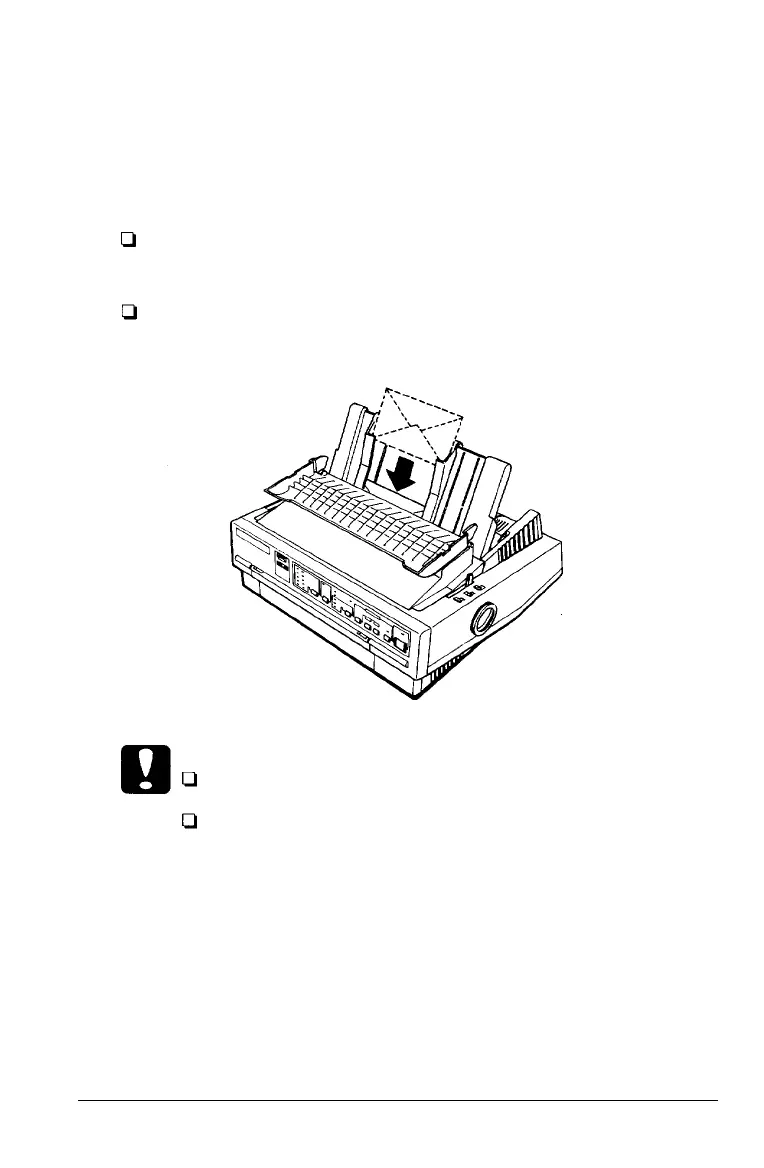
Envelopes
You can load envelopes from the top just like single-sheet
paper. However, you should pay attention to the guidelines
below:
Always set the paper-thickness lever to position 2, 3, or 4
depending on the thickness of the envelope.
Always feed an envelope by pushing the wide edge into
the printer until it meets resistance.
Caution:
Only use envelopes under normal operating conditions.
Printing on the edge of an envelope can damage the print
head. Make sure the printing stays entirely within the
printable area of the envelopes. (See page 7-5.)
Paper Handling
2-27



 To Next Page