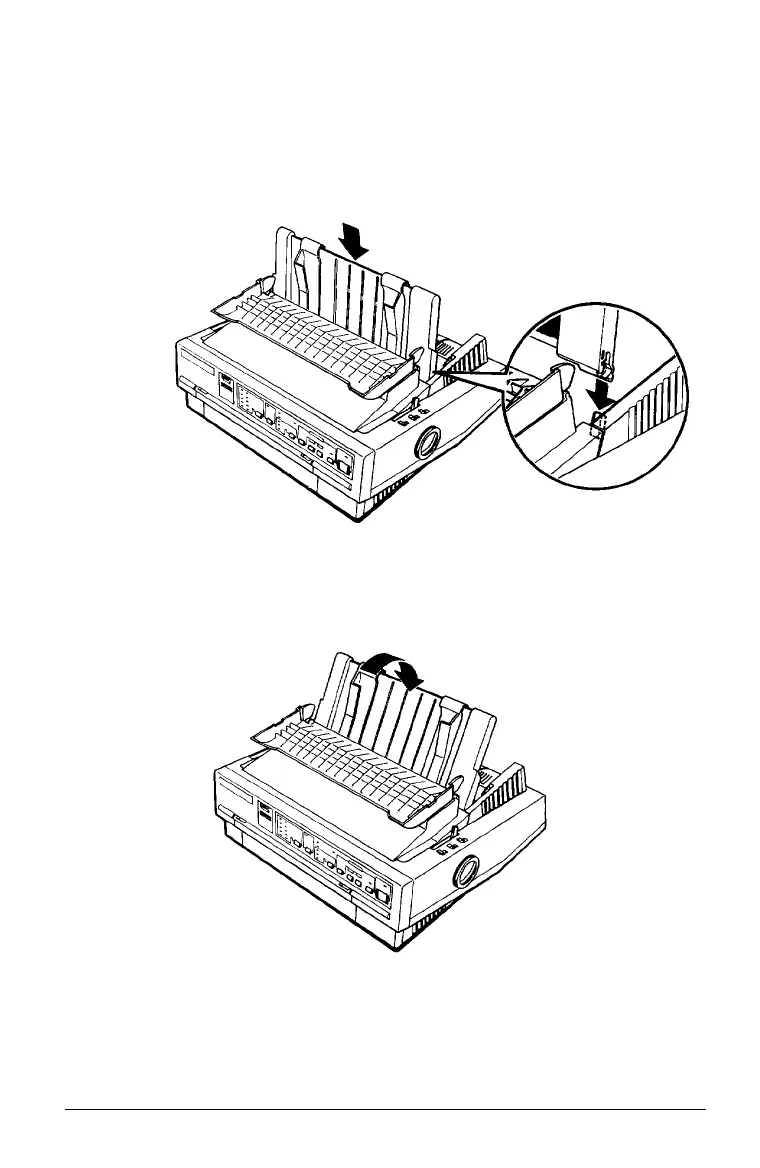
Attaching the paper guide
1. Place the notches on the paper guide straight down over the
mounting posts on the printer.
2. Lower the paper guide until it stops in the upright position.
Raise the paper guide cover and rest it against the paper
guide.
Setting Up the Printer 1-9



 To Next Page