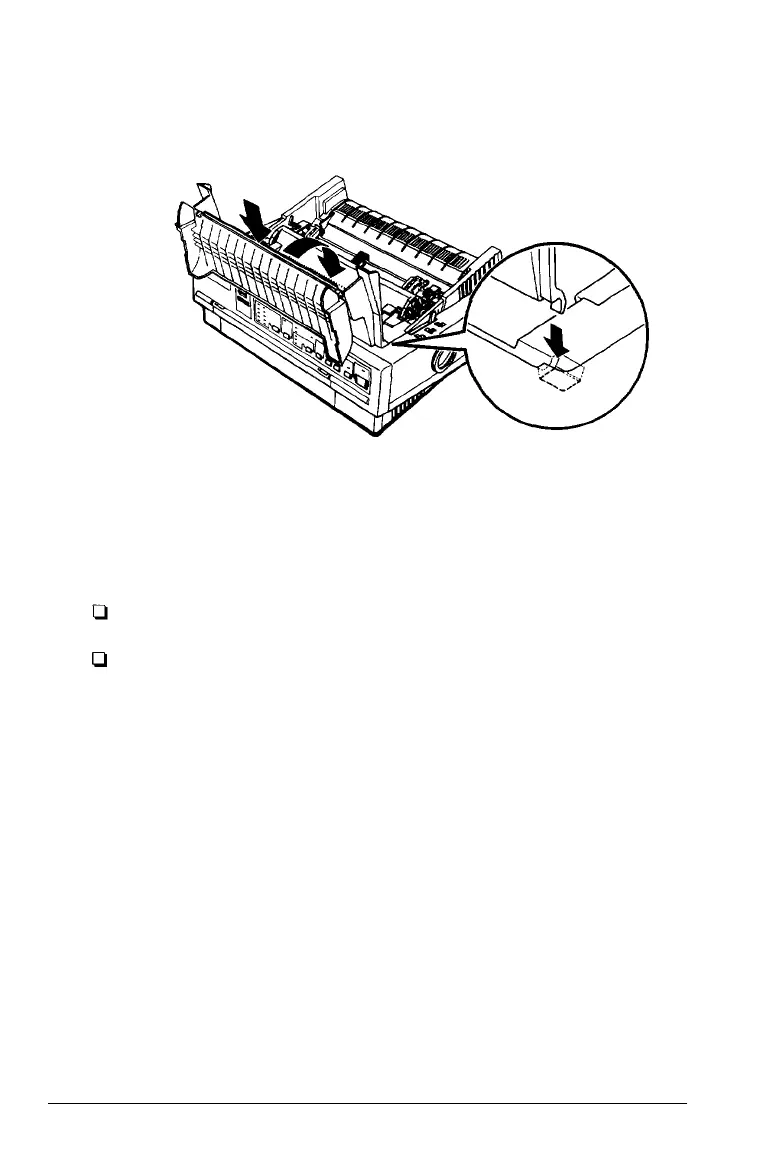
7.
Replace the printer cover by first inserting the front tabs into
the slots on the printer; then lower it into place.
Note:
You install the optional #7768 or #7770 film
as you install the ribbon cartridge. However,
guidelines below when using a film ribbon:
ribbons in the same way
you should follow the
Print on ordinary paper only.
Move the paper-thickness lever to the next lowest position.
1-8 Setting Up the Printer



 To Next Page