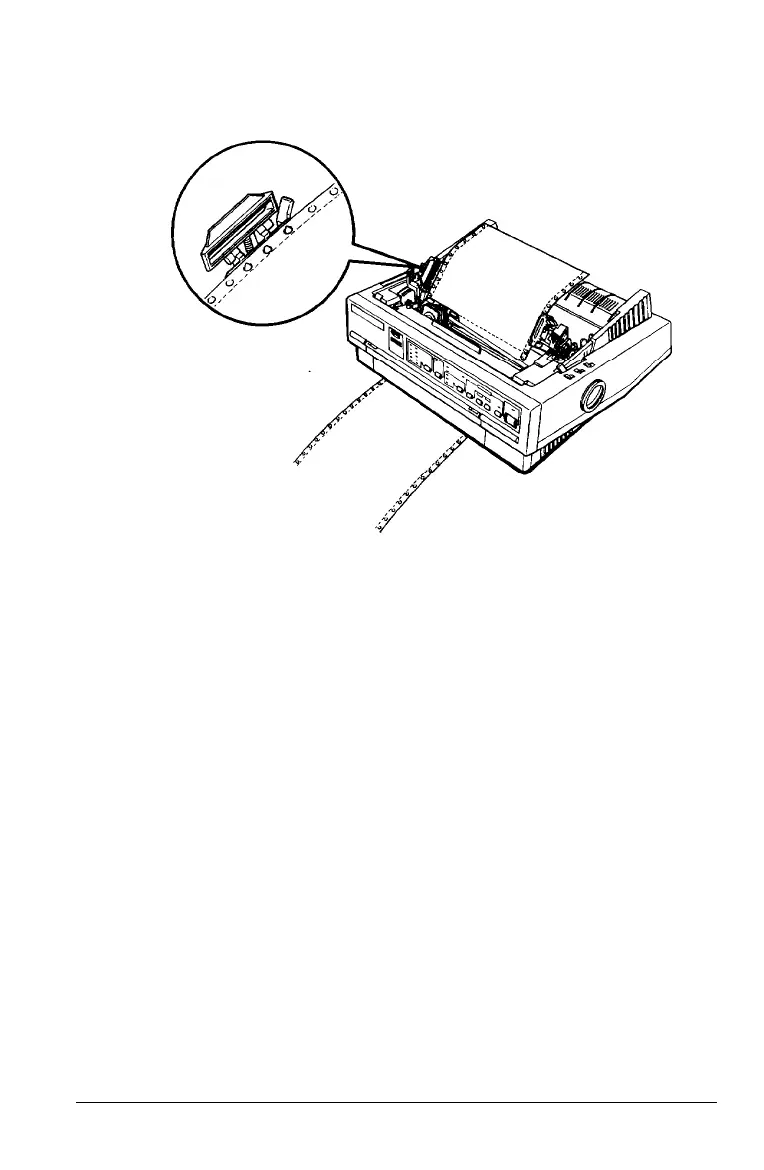
9. Fit the first four holes of the paper over the sprocket pins.
10. Close the sprocket covers.
11. Slide the right sprocket unit to remove any slack in the
paper. Then lock it in place by pushing the sprocket lock
lever back.
12. Place the notches on the paper guide straight down over the
mounting posts on the printer.
13. Slightly lift the paper guide and then lower it until it rests
on the printer.
14. Slide both edge guides to the middle of the paper guide.
15. Turn on the printer.
Paper Handling
2-19



 To Next Page