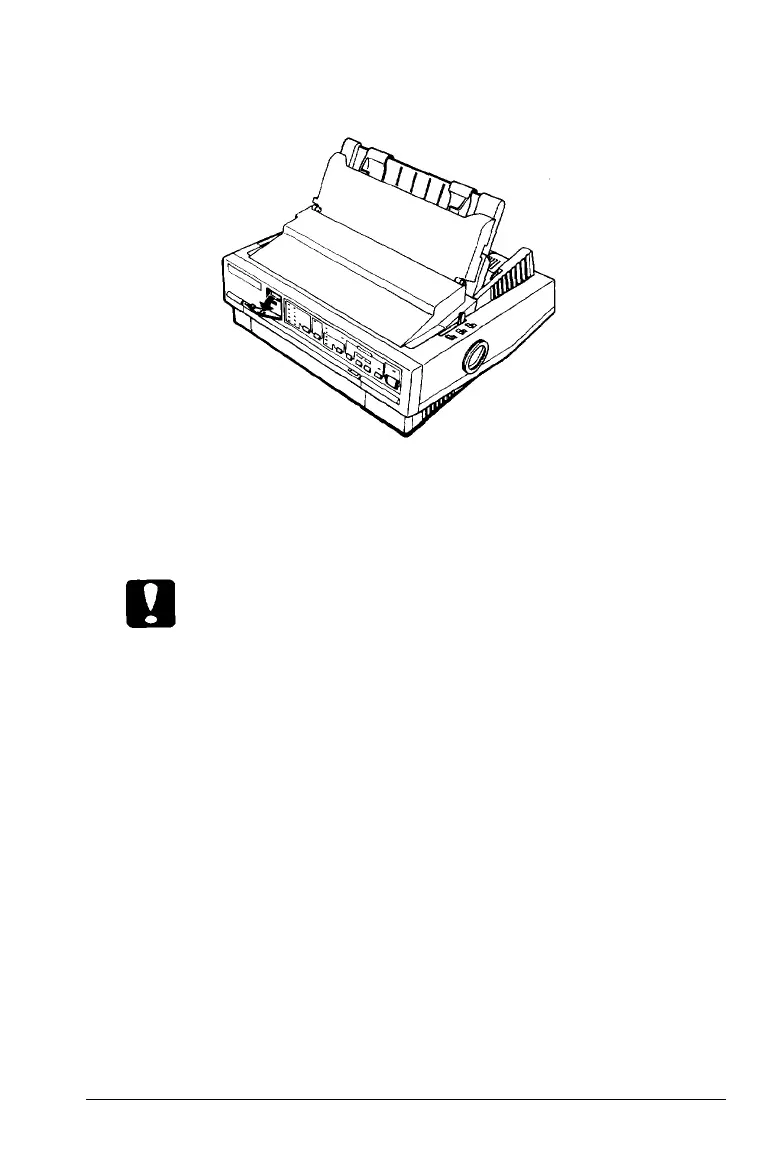
2. Open the DIP-switch cover on the front panel.
3. Use a pointed instrument, such as the tip of a pen, to turn a
switch on or off. The section on DIP-switch functions lists
the setting for each switch.
Caution:
Do not use a pencil tip to change a DIP-switch setting. The tip
may break off and damage the switch.
4.
Close the DIP-switch cover.
The new DIP-switch settings take effect when you turn on the
printer.
Using the Printer 3-7



 To Next Page