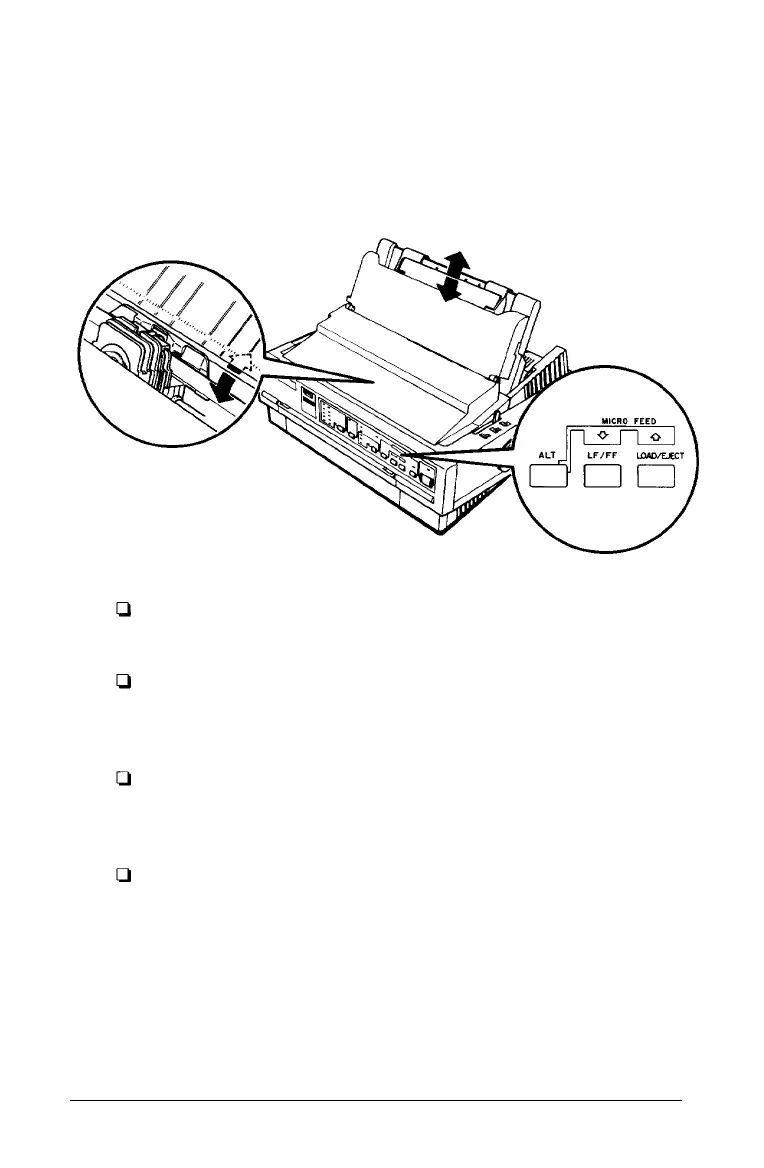
3. While holding down the ALT button, press the LOAD/EJECT
button to adjust the loading position to a lower position on
the page; press the
LF/FF
button to adjust the loading
position to a higher position on the page. The
MULTI-PART
light stops blinking after a short time.
Note:
For continuous paper, the printer remembers this new position
even after it has been turned off and back on.
The printer has a minimum and maximum loading position. If
you try to advance the loading position beyond these limits, the
printer beeps and the paper stops moving.
When the paper reaches the factory-set loading position, the
printer beeps and paper feeding pauses briefly. Use the factory
set ting as a reference point when adjusting the loading position.
The printer remembers the new loading position for single- sheet
paper only until you turn off the power. The loading position
returns to the factory setting when the power is turned on again.
3-16 Using the Printer



 To Next Page