7.
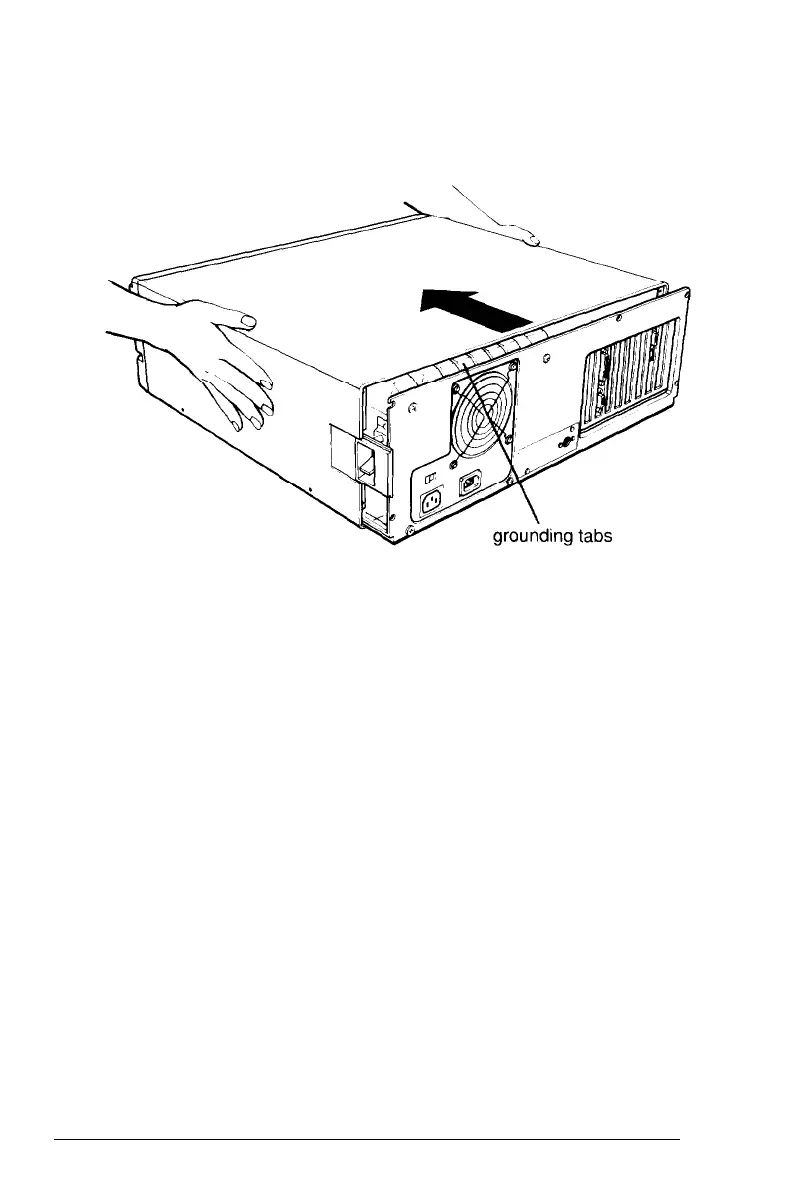
Facing the front panel, grasp the two sides of the cover and
carefully pull it straight toward you, away from the back of
the computer (as shown in the following illustration).
You might meet some resistance from the grounding tabs on
the top of the power supply, so pull firmly.
Installing Options 5-7



 To Next Page