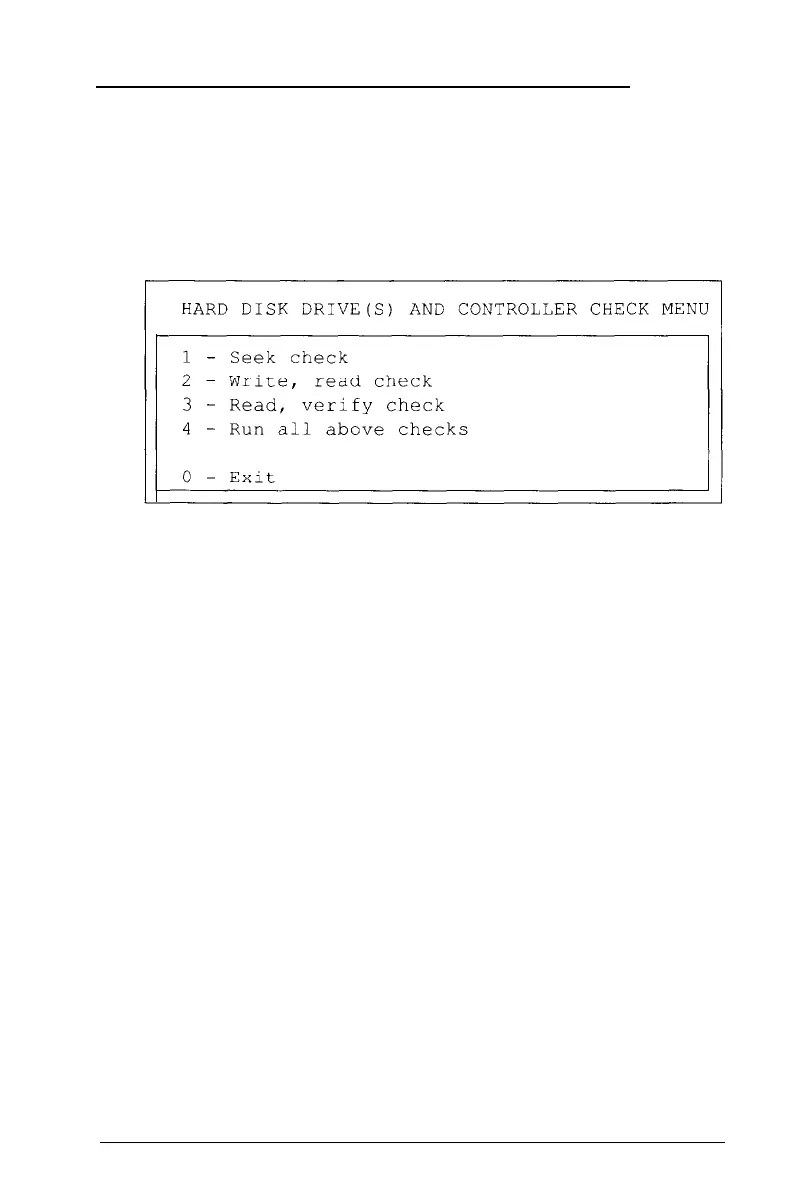
Hard Disk Drive(s) and Controller Check
Use this option to test the performance of the hard disk drive(s)
installed in your computer. If any errors occur, have your dealer
or service center check and service the drive. When you select
option 17 from the Device List, you see this menu:
When you select a check from this menu, the program
determines the number of hard disk drives installed in your
computer. If you have more than one physical drive, then each
time you select a test you see this prompt:
Enter drive number ? (l/2)
Select 1 for the first hard disk or 2 for the second.
When you finish testing the device and return to the menu,
select 0 to exit.
Seek Check
This test checks the ability of the read/write heads to locate any
part of the hard disk. This action by a read/write head is called a
seek. During this test, each head seeks each cylinder of the disk
in sequence, starting from the center.
D-34 Performing System Diagnostics



 To Next Page