Reviewing Your Settings
When you finish using the Setup program to define your
computer’s configuration, press to highlight Exit at the
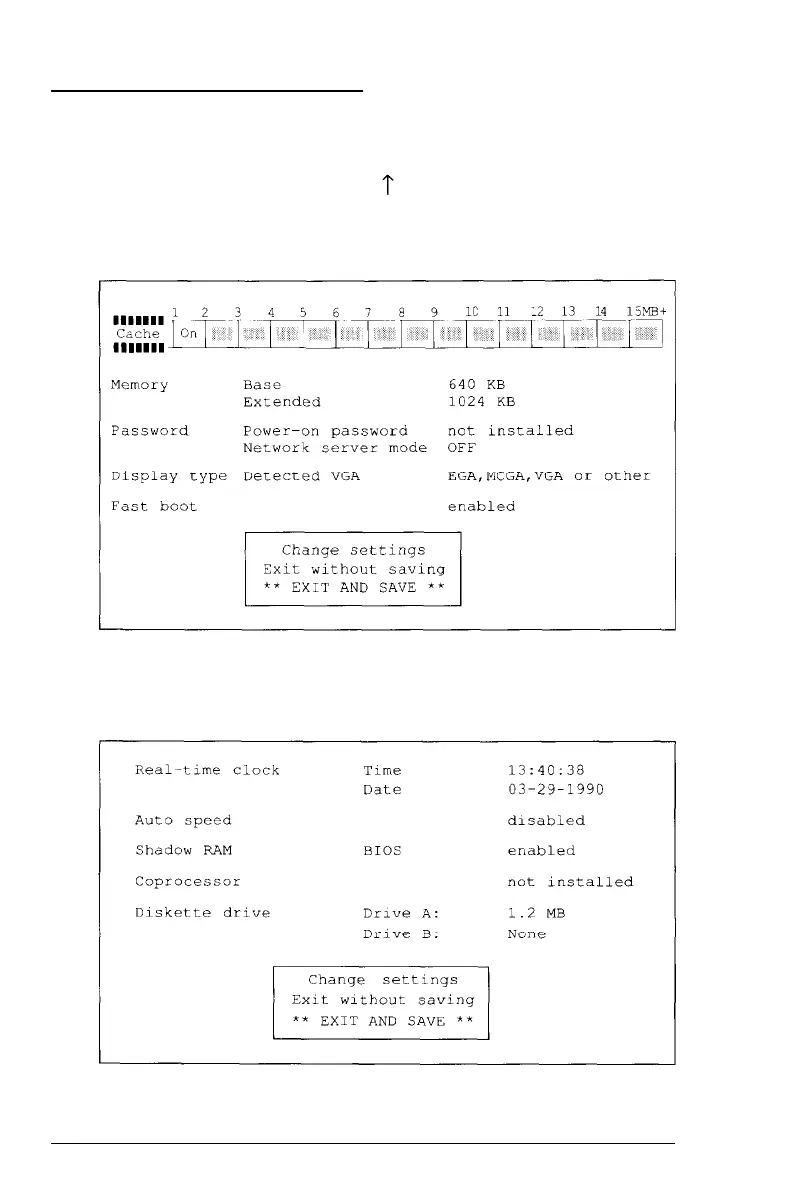
main Setup menu and press Enter. The following Setup
summary appears on the screen:
There are two more Setup summary screens you need to check.
To display the next screen, press PgDn. You see the following:
Running the Setup Program
2-29



 To Next Page