Continuing From an Error Message
If your computer has never been set up, you may see an error
message, such as the following:
162 - System options not set
(Run SETUP in REFERENCE DISK)
(Resume = "Fl" key)
If you see an error message like this one, follow these steps to
proceed:
1.
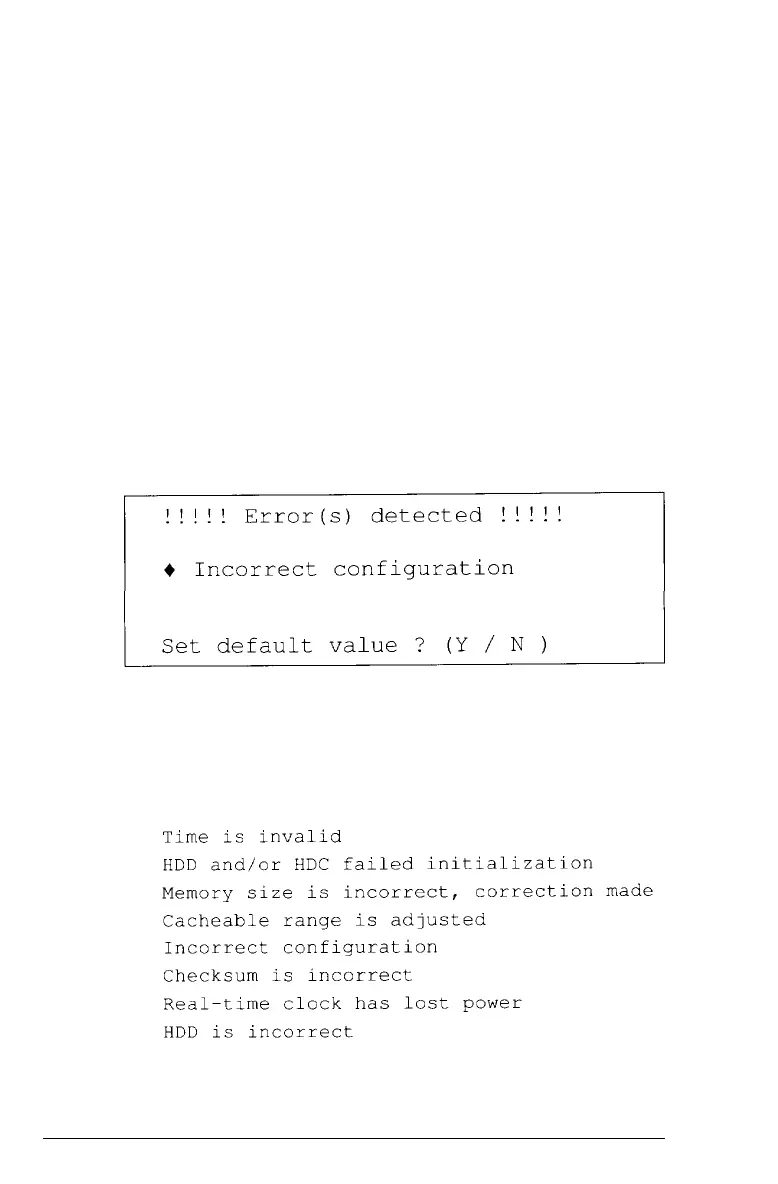
Press F1. The computer beeps and the screen displays
messages, such as the following:
The error
message following the diamond indicates the
condition causing the error. There may be more than one
error listed in the message. Here are the error messages you
may see:
Running the
Setup
Program
2-5



 To Next Page