3.
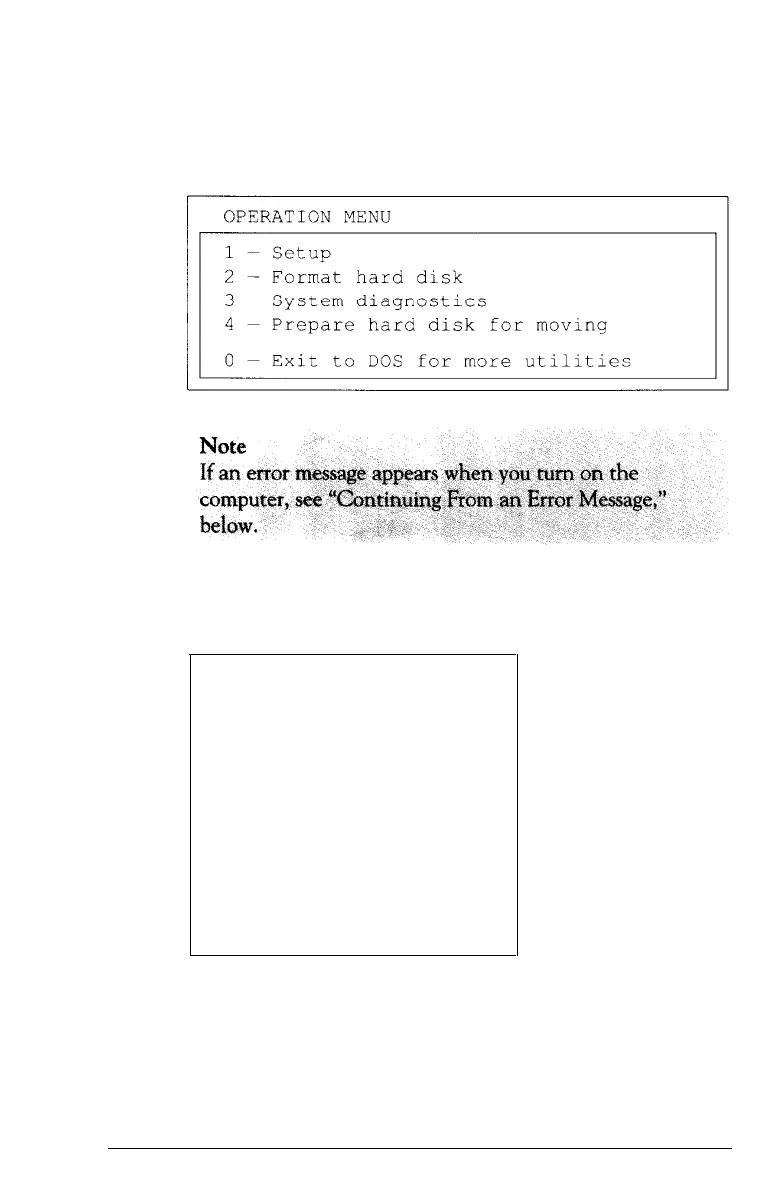
Turn on your system. (Remember to turn on your monitor
and any peripherals before you turn on the computer.) The
screen displays the Operation Menu:
4. The Setup option is highlighted. To select it, press
Enter. The screen displays the main Setup menu:
Exit
Cache
Display
Password
Fast boot
Auto speed
Shadow RAM
Real-time clock
Hard disk drive
Diskette
drive
2-4
Running the Setup Program



 To Next Page