Select the item you wish to delete. You can delete as many
devices as necessary.
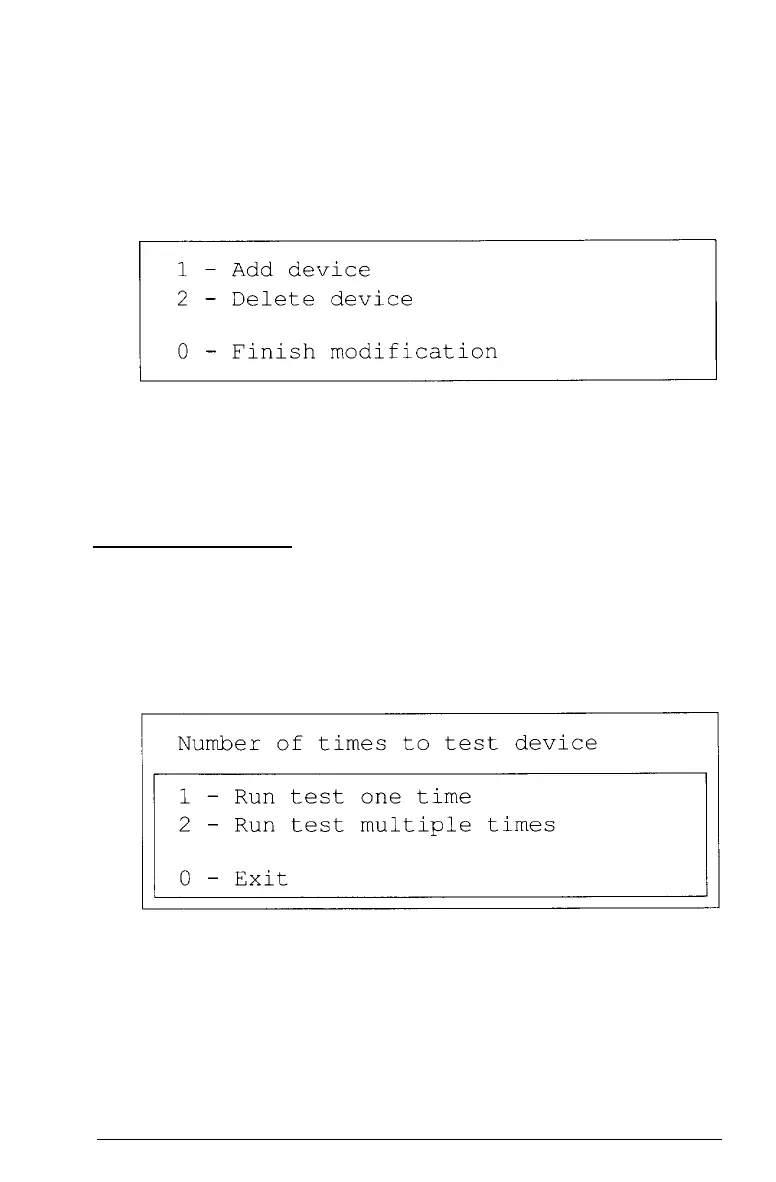
When the Device List is correct, select 0. The screen displays
the modified Device List for a final check and these options:
If the list is correct, select 0.
You are now ready to select a test.
Selecting a Test
From the Device List, select the device you wish to test. Before
the test begins, you are asked how many times to perform the
test. You see this menu:
You can specify that the test be performed one time only or any
number of times in the range from 1 to 9999. Running a test
multiple times is for reliability testing of essential functions
only; in most cases, running a test only once is sufficient.
D-6 Performing System Diagnostics



 To Next Page