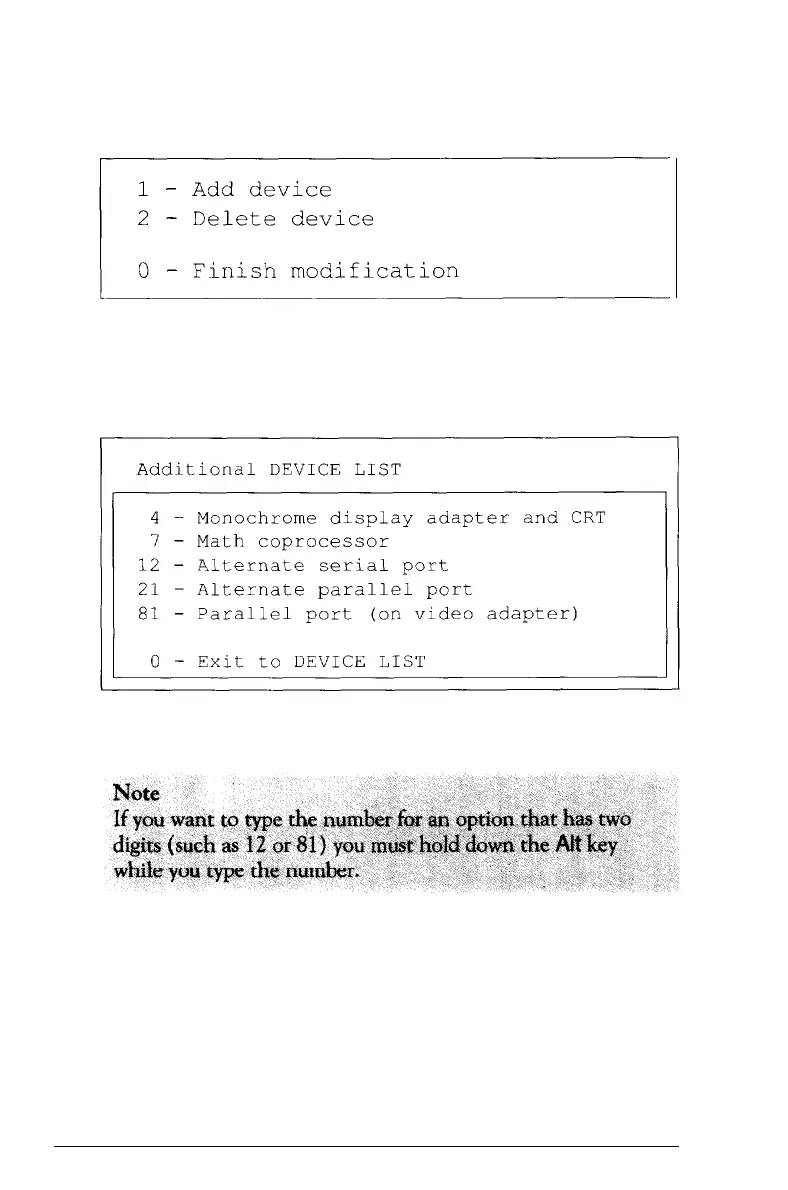
You see this menu:
To add a device to the list, select 1. The program displays a list
of other devices that are not currently included in the Device
List. You see a menu similar to this:
Select the item you wish to add.
You can add as many devices as necessary. When the Device
List is complete, select 0 (Exit).
To remove a device from the list, select 2 (Delete device). The
screen displays the current Device List.
Performing System Diagnostics
D-5



 To Next Page