Attribute Check
To check the display attributes of the color graphics adapter
card, select 2. Several messages appear showing examples of all
the possible display attributes and colors. Check the
information on your screen, and respond to the prompt:
Is the display correct ? (Y/N)
Select Y if the display is correct. If the colors are not correct,
adjust the controls on your monitor. If they are still incorrect,
select N. Contact your dealer to verify any monitor problems.
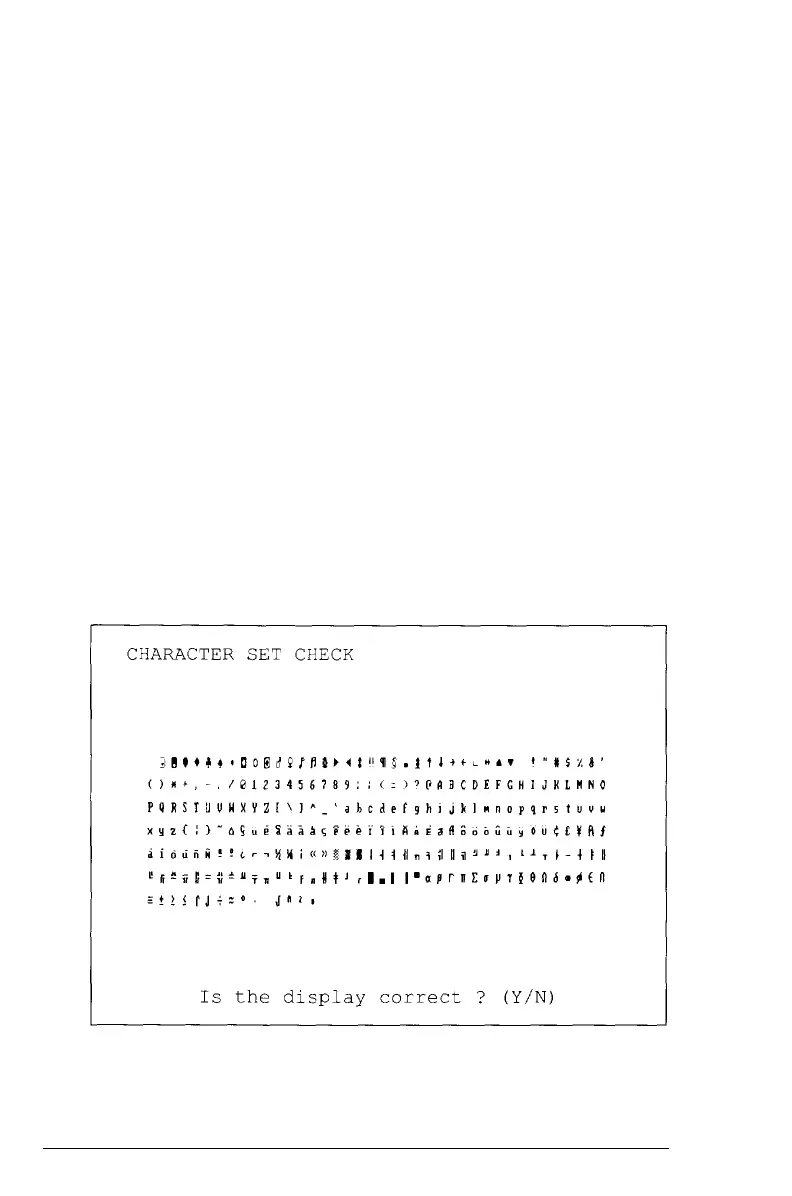
Character Set Check
To check your 80-column character set, select 3. The character
fonts that are included in the internal character generator of the
video adapter appear on your screen. Compare your screen
display to the following illustration.
Performing
System Diagnostics D-17



 To Next Page