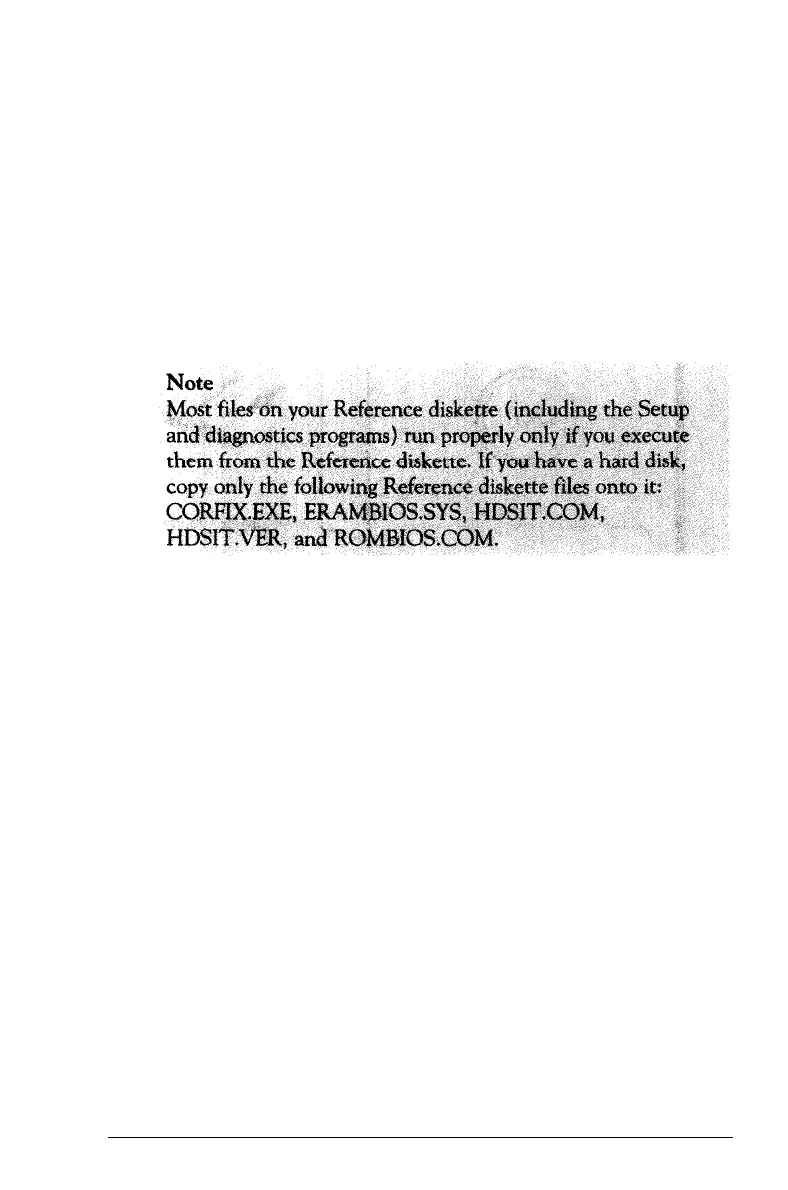
To make backup copies of your diskettes, use the DISKCOPY
command, the MS-DOS Shell, or the MENU program. See
Chapter 4, your Shell User’s Guide, or your MS-DOS Reference
Manual for instructions.
It is best to store the programs and data files you use regularly
on the hard disk. Keep backup copies of all your program files
on diskettes, and regularly copy important data files to diskettes
as well. See “Backing up the hard disk” in this chapter for more
information.
Using a Single Diskette Drive
MS-DOS expects the computer to have at least two diskette
drives, and it displays prompts and messages accordingly. If your
system has a single diskette drive, MS-DOS treats your one
drive like two logical drives. This helps you perform operations
that normally require two diskette drives.
Usually, MS-DOS recognizes the first diskette drive (the top
drive on your computer) as drive A and a second diskette drive
as B. If you have only one diskette drive, MS-DOS can treat it
as both A and B.
3-26
Using the Equity 386/25



 To Next Page