4.
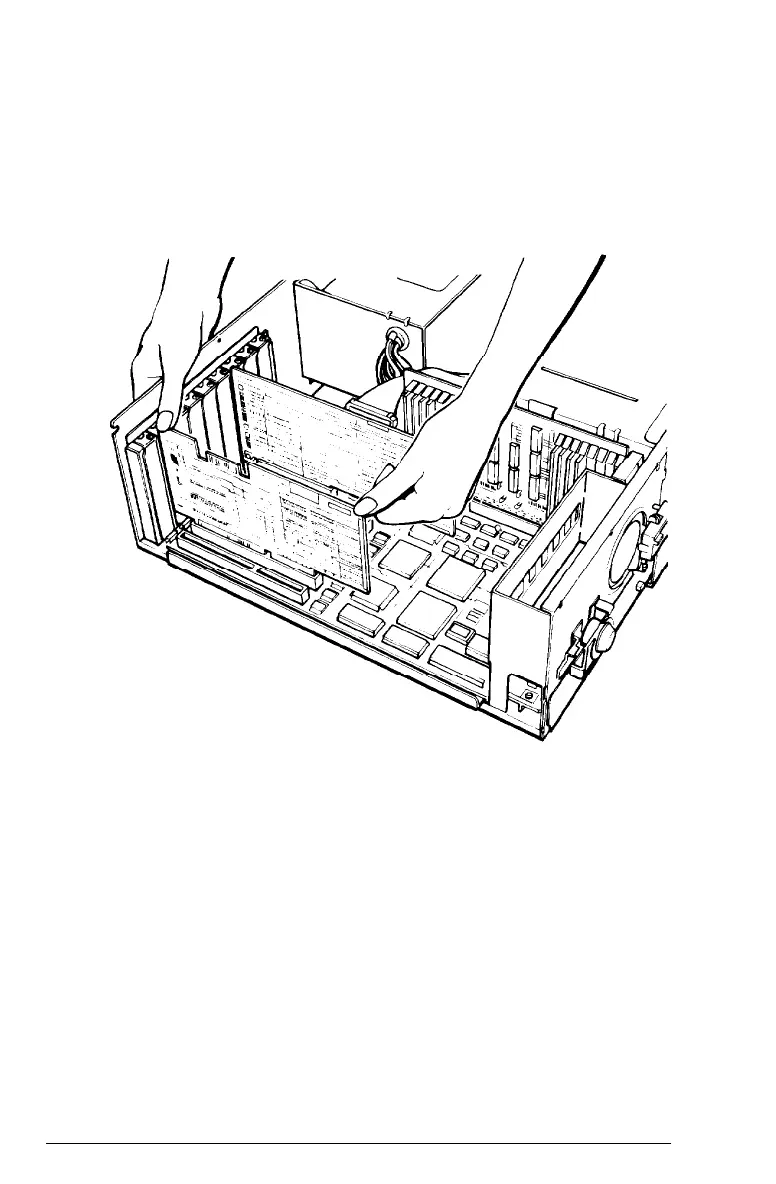
Insert the card in the slot, guiding it straight down. Once
the connector pins reach the connector slot, push the card
downward firmly (but carefully) to fully insert it, as shown
in the following illustration. You should feel the card fit
into place.
If the card does not go in smoothly, do not force it-pull it
all the way out and try again, keeping it straight as you
insert it.
Installing Options
5-13



 To Next Page