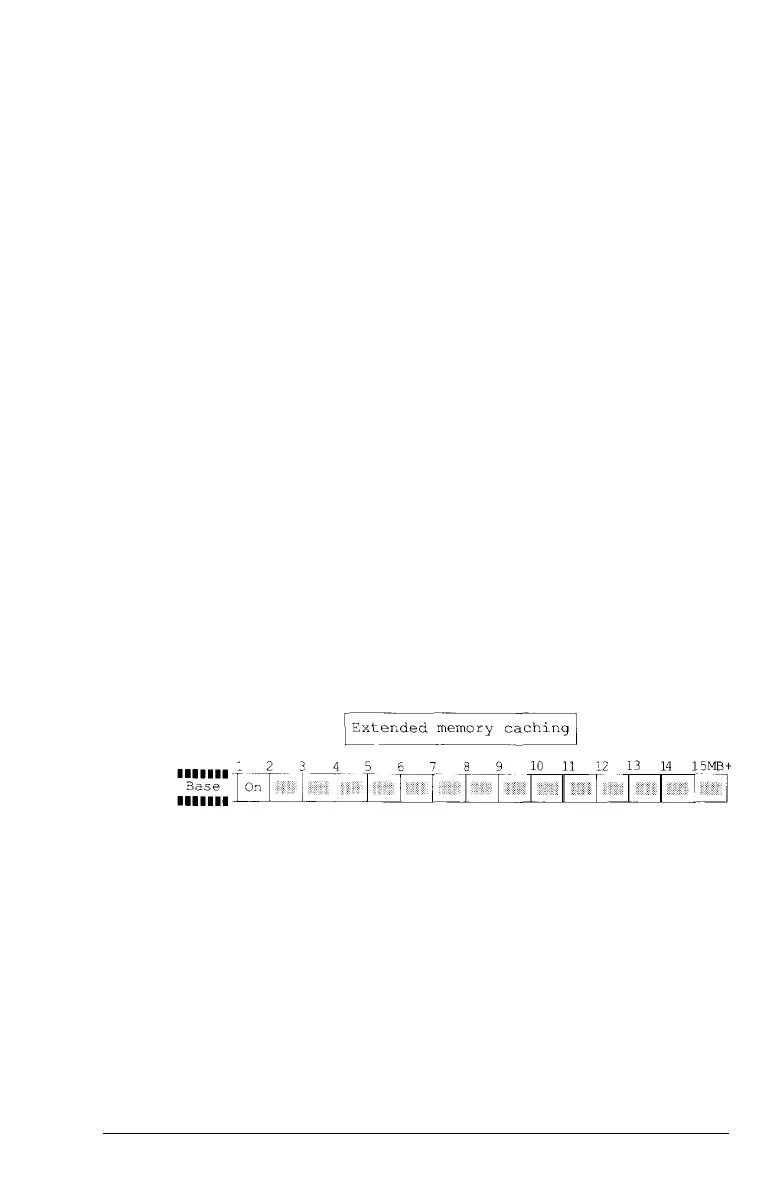
The Equity 386/25 automatically enables memory caching for
the 640KB of base memory in your system. For the memory
above lMB, the Setup program allows you to turn extended
memory caching on or off. The default setting for extended
memory caching is on for all the extended memory currently
installed in your system. If you have not installed memory above
the 2MB that came with your computer, caching is turned on in
the area from 1MB to 2MB. If you added more memory, Setup
turns on caching from 1MB up to the maximum amount of
memory that you installed.
Most of the time, you should cache all of your extended memory
to maximize the performance of your 32-bit computer.
However, if you install an optional memory card that “shares”
memory with any of the rest of your system memory, you should
turn caching off in the areas of memory which are shared. See
the manual that came with your memory card to see if this is
the case.
To check or change the extended memory cache setting, follow
these steps:
1.
At the main Setup menu, highlight
Cache . You see the
following submenu and cache table:
2-8
Running the Setup Program



 To Next Page