EasyManua.ls Logo

Epson Perfection 1270 - User Manual

Epson Perfection 1270
46 pages
Print Icon
To Next Page IconTo Next Page
Loading...
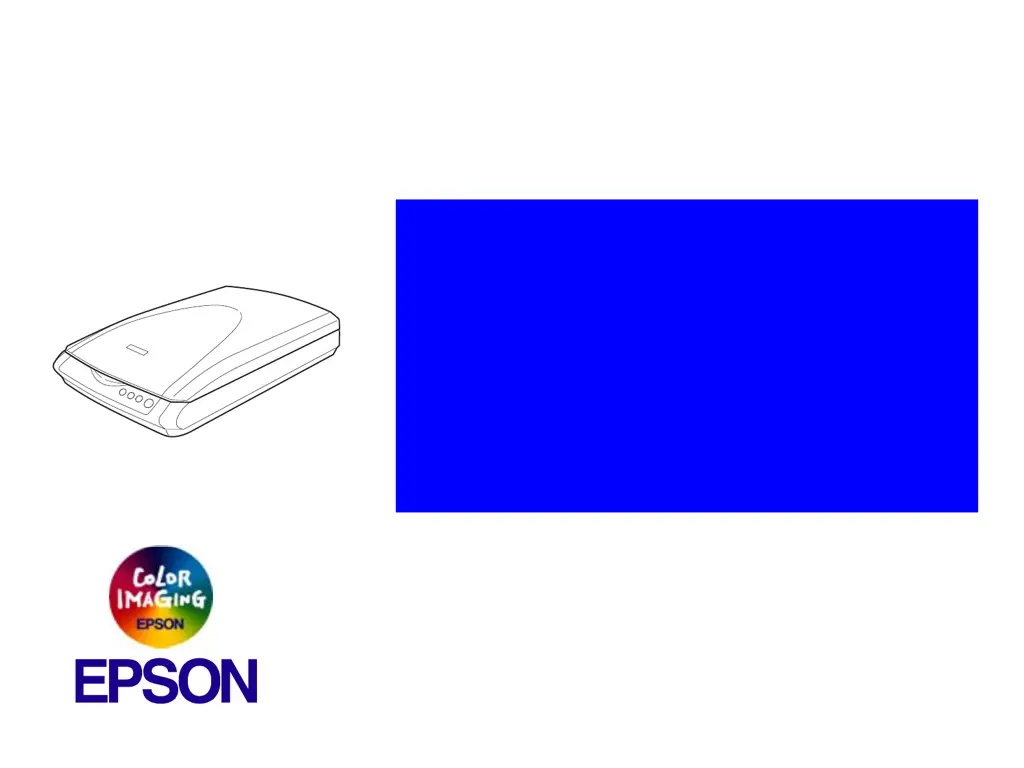
EPSON Perfection 1670 Photo
Perfection 1270
Color Image Scanner
®
Service Manual
SESC03-002

Other manuals for Epson Perfection 1270

Questions and Answers

  • J
    Jennifer BryantAug 5, 2025
    Why the fluorescent lamp of Epson Scanner does not turn on?
    • C
      cohenmichealAug 5, 2025
      If the fluorescent lamp of your Epson Scanner does not turn on, it could be due to a few reasons. It is possible that the connector on the CCD Board has come off, or the Fluorescent Lamp is not connected securely to the connector on the Inverter Board, or the Main Unit I/F Board is faulty. In all of these cases, you should replace the Carriage Unit.
  • C
    Catherine PriceAug 11, 2025
    What to do if the optional TPU of Epson Scanner does not operate?
    • B
      Barbara JacksonAug 12, 2025
      If the optional TPU of your Epson Scanner does not operate, it might be due to several reasons. First, any connector on the I/F Board might have come off, so you should connect the connector. Second, the Carriage Movement Mechanism could be defective; in this case, check the Carriage Movement Mechanism, and replace the corresponding part or disassemble and reassemble the Mechanism. Third, the CR Motor might be defective, requiring you to replace the CR Motor. Finally, the I/F Board could be faulty, which means you should replace the I/F Board.
  • J
    Jon HornAug 19, 2025
    What to do if the cable of the optional TPU Unit of Epson Perfection 1270 has come off?
    • R
      Robert HarrisAug 19, 2025
      If the cable of the optional TPU Unit of your Epson Scanner has come off, the suggested solution is to connect the Connector CN1 of the I/F Board. Alternatively, the Main Unit I/F Board might be faulty, requiring you to replace the I/F Board. As a last resort, the TPU Inverter Board could be faulty, in which case you should replace the optional TPU Unit.
  • T
    tylermoodyAug 27, 2025
    What to do if the carriage of Epson Perfection 1270 Scanner operates but the error is displayed?
    • W
      William JimenezAug 27, 2025
      If the carriage of your Epson Scanner operates but an error is displayed, the I/F Board might be faulty. In this case, the suggested solution is to replace the I/F Board.

Summary

Troubleshooting Guide

Self-diagnostic Function

Explains the scanner's self-check for operating status and error detection using LEDs.

Phenomenon-Based Troubleshooting

Addresses problems by superficial phenomena and provides reference tables for solutions.

Disassembly and Assembly Procedures

Overview, Precautions, and Tools

Introduces the chapter, details safety warnings, and lists required tools for disassembly.

Disassembly Procedure Flowchart

Presents a flowchart illustrating the step-by-step sequence for disassembling main scanner components.

Key Component Removal Steps

Covers the process for removing major parts like the TPU Unit, Upper Housing, and Carriage Unit.

Maintenance Procedures

Cleaning Guidelines

Instructions on cleaning the exterior, document glass, and interior of the scanner.

Lubrication Points and Specifications

Specifies the type of grease and points for lubrication on the carriage unit.

Appendix and Supplementary Information

Scanner Connection Diagram

Visual representation of how scanner components and boards are interconnected.

Connector Wiring Details

Details pin assignments and signal wiring for various board connectors, including tables.

Circuit Diagrams

Electrical circuit schematics for key boards like I/F, CCD, and Panel.

Parts List and Exploded Diagram Reference

Reference for product parts and an exploded view for identification.

Epson Perfection 1270 Specifications

General IconGeneral
TypeFlatbed Scanner
Optical Resolution1200 x 2400 dpi
Maximum Resolution9600 x 9600 dpi
Color Depth48-bit color
InterfaceUSB 1.1
Weight5.5 lbs
Max Document Size8.5 x 11.7 inches

Related product manuals