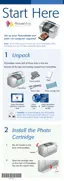
37
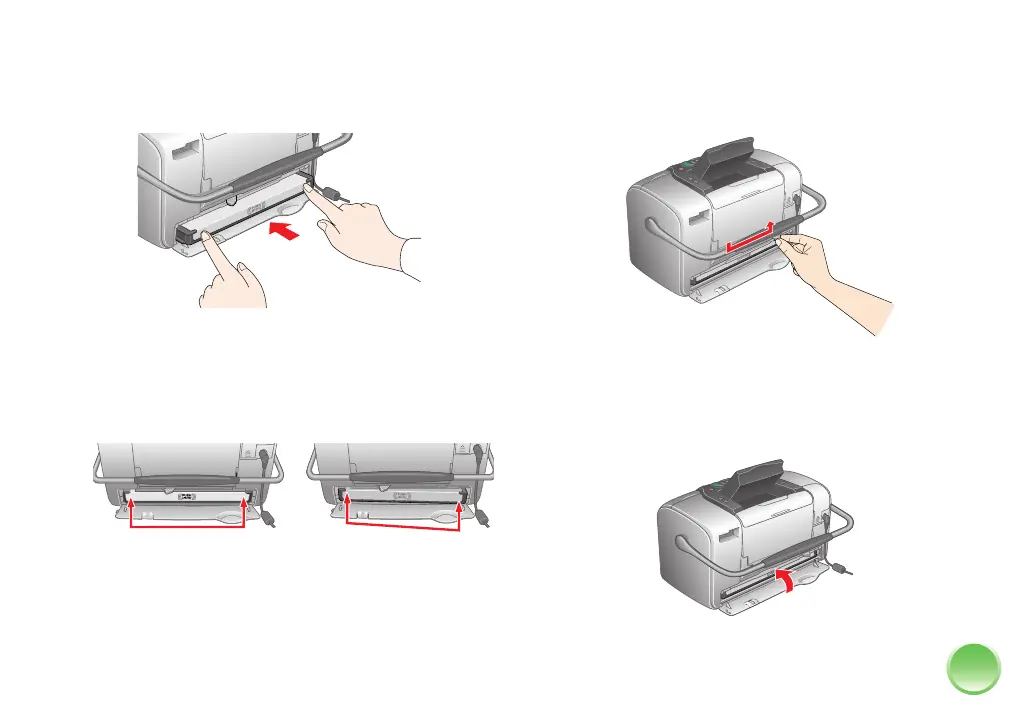
3 Slide the cartridge straight into the slot, label side
up, until it is fully inserted. Push in both sides
evenly to make sure it is not crooked.
Note: The cartridge won’t go in all the way. You need to
use the photo cartridge lever to lock it in place.
If either side is sticking out, remove the cartridge
and reinsert it so it is straight.
4 Move the lever right to the Lock position. If it does
not lock in place, the cartridge is crooked; remove
it and try again. (See step 3.)
Caution: If the cartridge is not inserted correctly, ink may
leak out.
5 Close the cartridge door. Make sure it snaps shut.
Wrong
Right









 To Next Page