5
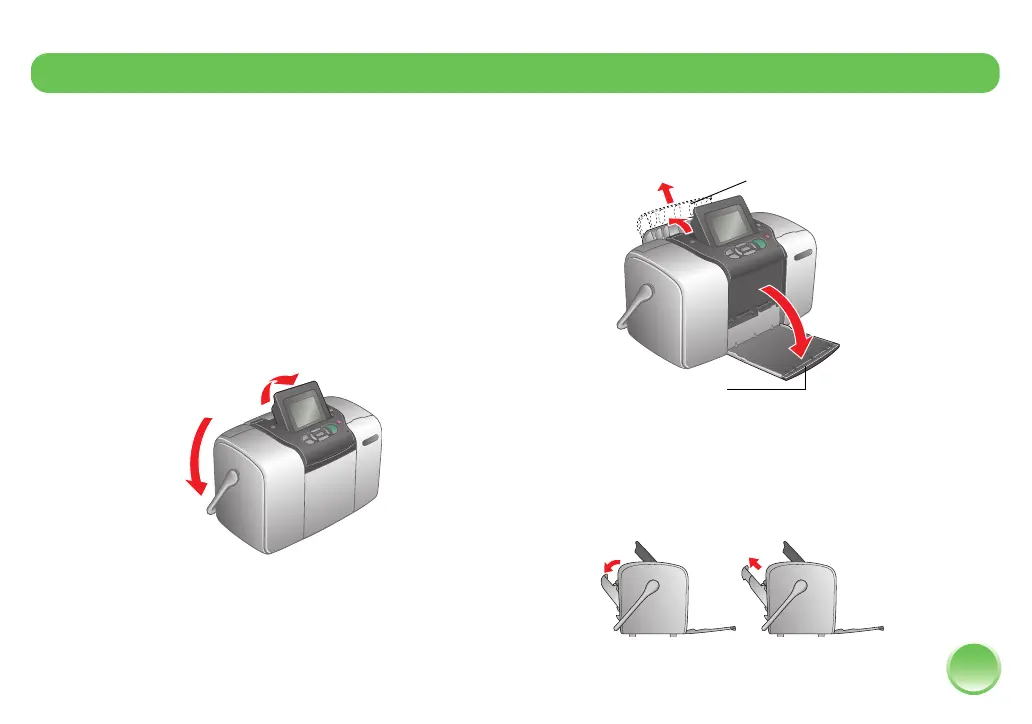
Before you can print, you need to load paper and
insert your memory card in PictureMate.
Loading Paper
Follow these steps to load PictureMate Photo Paper:
Caution: Don’t load plain paper; this may damage PictureMate.
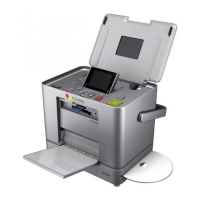
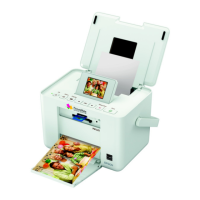
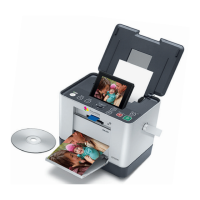
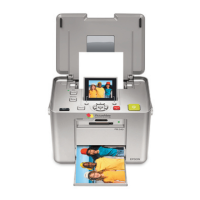
1 Move the handle to the back and down. Then tilt
up the photo viewer screen.
2 Open the paper support and output tray.
Note: Keep the handle all the way down when printing,
to allow paper to feed through.
3 Slide the top part of the paper support up gently
until it clicks into place.
Prepare to Print
Open output tray
Open paper support









 To Next Page